
















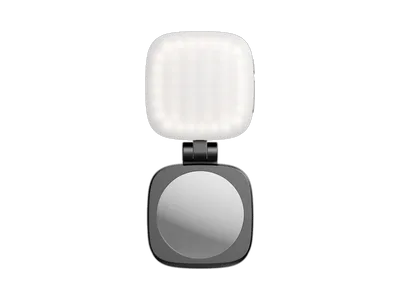
The equipment here is used when several cameras or sources have to become one broadcast. A video switcher cuts between cameras during the live stream, a PTZ camera is controlled remotely, and a teleprompter shows the script in front of the lens so you look into the camera. Check that the connections, for example HDMI or SDI, match your cameras.
Read more about streaming & studio
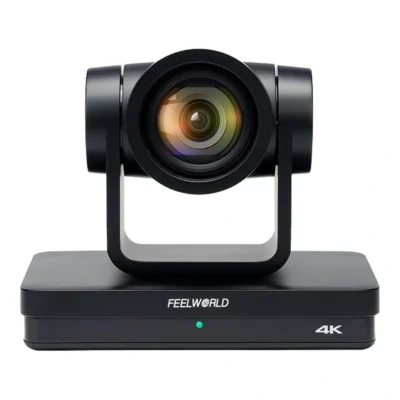
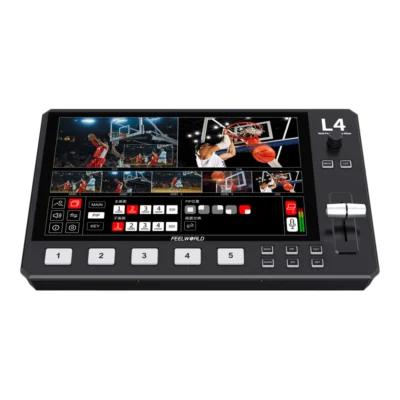
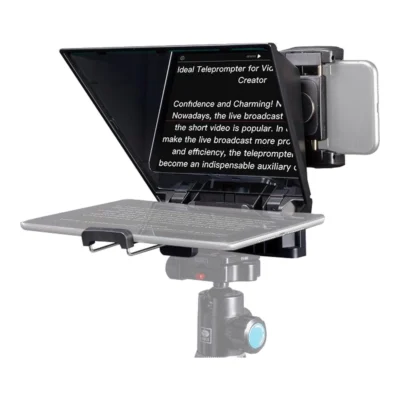
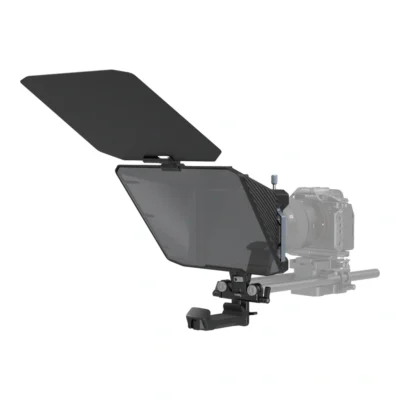


Most people can get a live stream with one camera and a computer running in an evening. Add a second camera, a slide deck and perhaps a remote guest, and there is more to keep track of. That is when you need gear that works in real time without the computer carrying the whole load.
The video mixer: several cameras into one broadcast
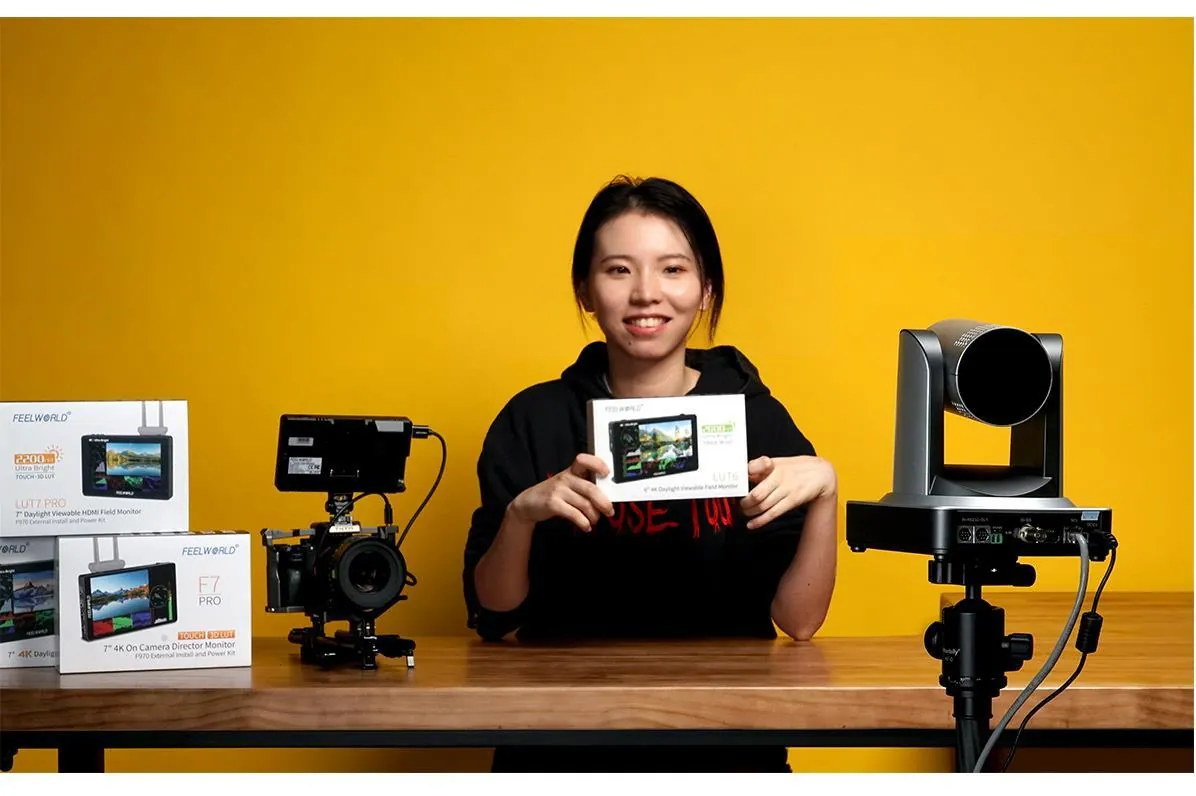
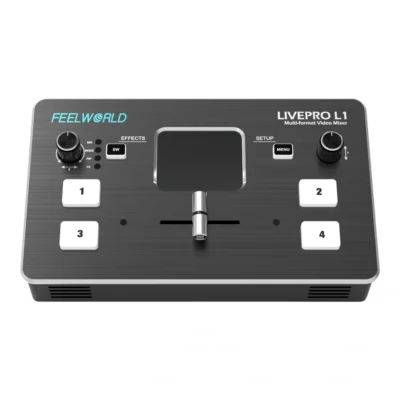
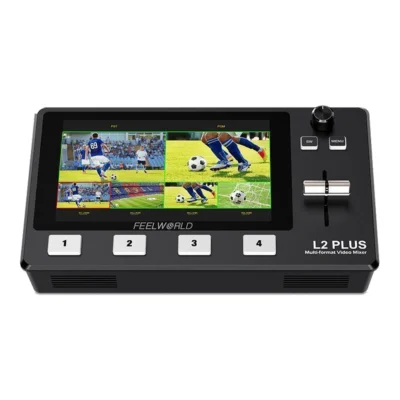
The cameras connect to the mixer's inputs, usually over HDMI. You see all sources at once in a preview and pick which one goes out with a single press. Transitions can be straight cuts or fades, and most mixers can do picture in picture, such as a presenter in the corner of a slide show.
The output to the computer is usually USB. The computer then sees the mixer as a webcam, and it works straight away in common meeting and streaming software. Many mixers also have an HDMI output for an external screen or recorder.
Count inputs by what you will actually use. Two cameras and a computer with slides is three sources. Four inputs leave room to grow. Set all cameras to the same resolution and frame rate for more reliable switching.
A mixer with a large touchscreen is easier for someone who doesn't do this every day. Buttons are faster once you know them by heart.
PTZ cameras for lectures, churches and meetings
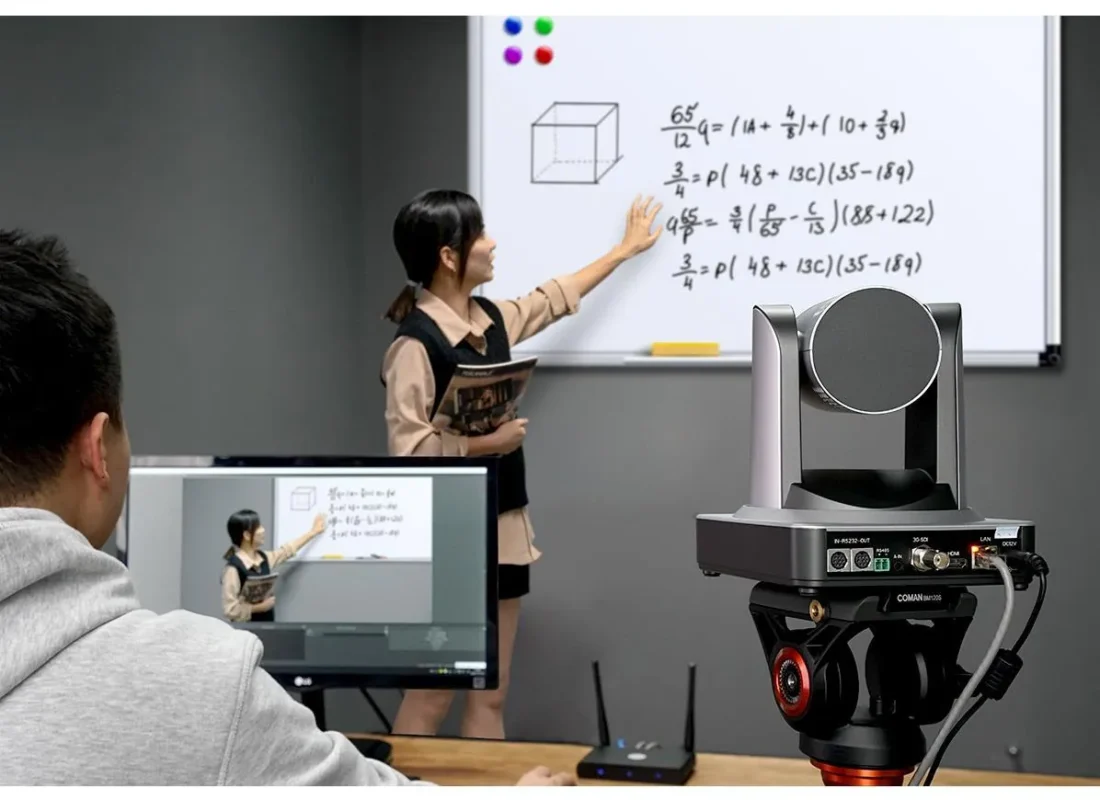
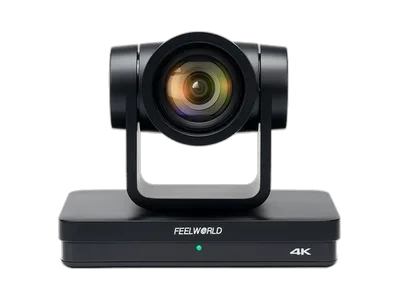
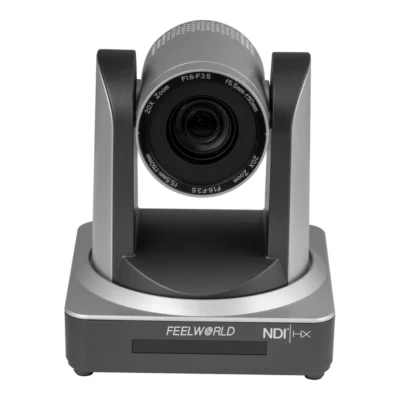
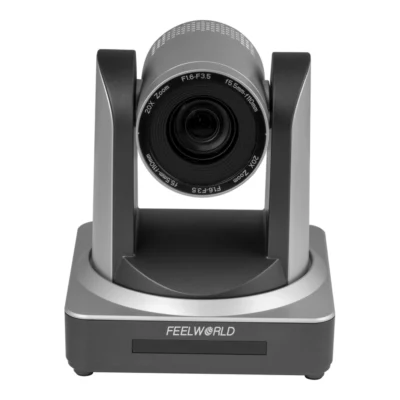
A PTZ camera is fixed to a wall, the ceiling or a stand and controlled remotely. PTZ stands for pan, tilt and zoom. One person at a control desk can run several cameras, and nobody has to stand behind them during the broadcast.
Zoom is the thing to get right. In a classroom or meeting room, 12x optical zoom is often enough. In a church, an auditorium or a sports hall where the camera sits far back, you need 20x to make a face fill the frame.
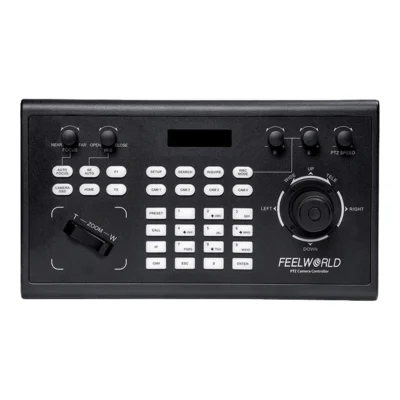
Save presets. The lectern, the whiteboard and the audience can each sit on a button, and the camera glides there when you press it. A separate controller with a joystick makes this much easier than steering with an app or a remote.
HDMI, SDI or network
HDMI works well over short distances, a few metres. Longer cables can drop out. SDI handles much longer runs and locks into the connector, which is why it is used in fixed installations.
More and more cameras send video over a network. NDI is a format for video over a local network, and an NDI camera can be received directly in the streaming software on the computer. With PoE, power, video and control all travel in one network cable. That simplifies installation a lot, since a ceiling camera doesn't need its own power socket. A network cable can run up to 100 metres, but the network should be gigabit and the switch must support PoE.
Check which outputs the camera has. Some PTZ cameras offer HDMI, SDI, USB and network at the same time, so one camera can feed the mixer and a recorder at once.
Teleprompter: read the script and look into the lens
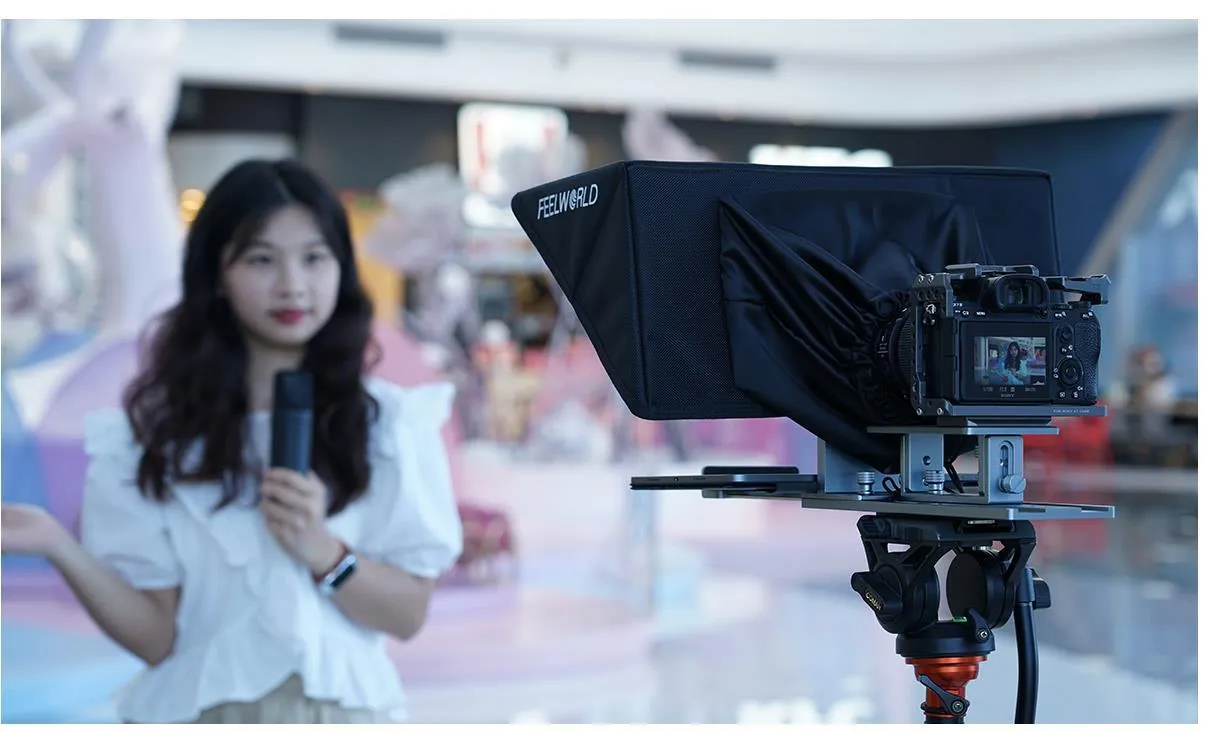
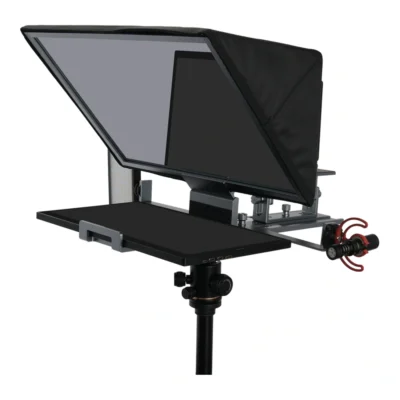
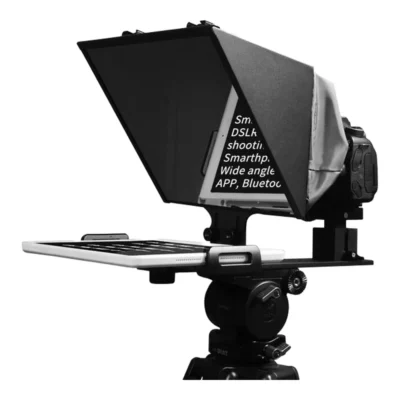
A teleprompter is a sheet of glass at 45 degrees in front of the lens with a screen below it. The text shows on the screen, reflects in the glass and is visible to the person in front. The camera films straight through the glass and never sees the text. The glass is beam-splitter glass that lets most of the light through, often 70 percent, and reflects the rest.
The text has to be mirrored, which the app or software scrolling the script takes care of. Let the speed follow you, not the other way round. With a remote or a colleague at the computer it feels much more natural.
The size of the glass and screen decides how far away you can stand and still read. A tablet is fine a short way from the camera. Further back you need a bigger screen. Stand too close and viewers can see your eyes tracking the lines.
Teleprompters for phones and small cameras
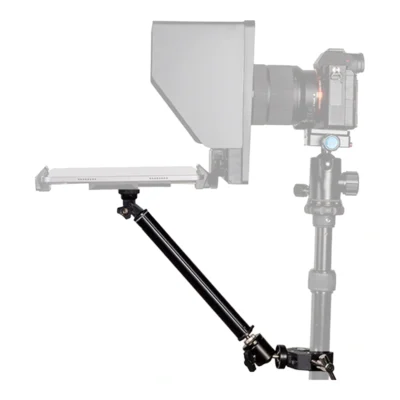
Smaller teleprompters use a phone as the screen and work with both phones and mirrorless cameras. They are easy to pack and carry, but the text is small, so they work best close up with a larger font. Some can take a rod with a clamp that holds a tablet instead, which gives bigger text.
Three common setups
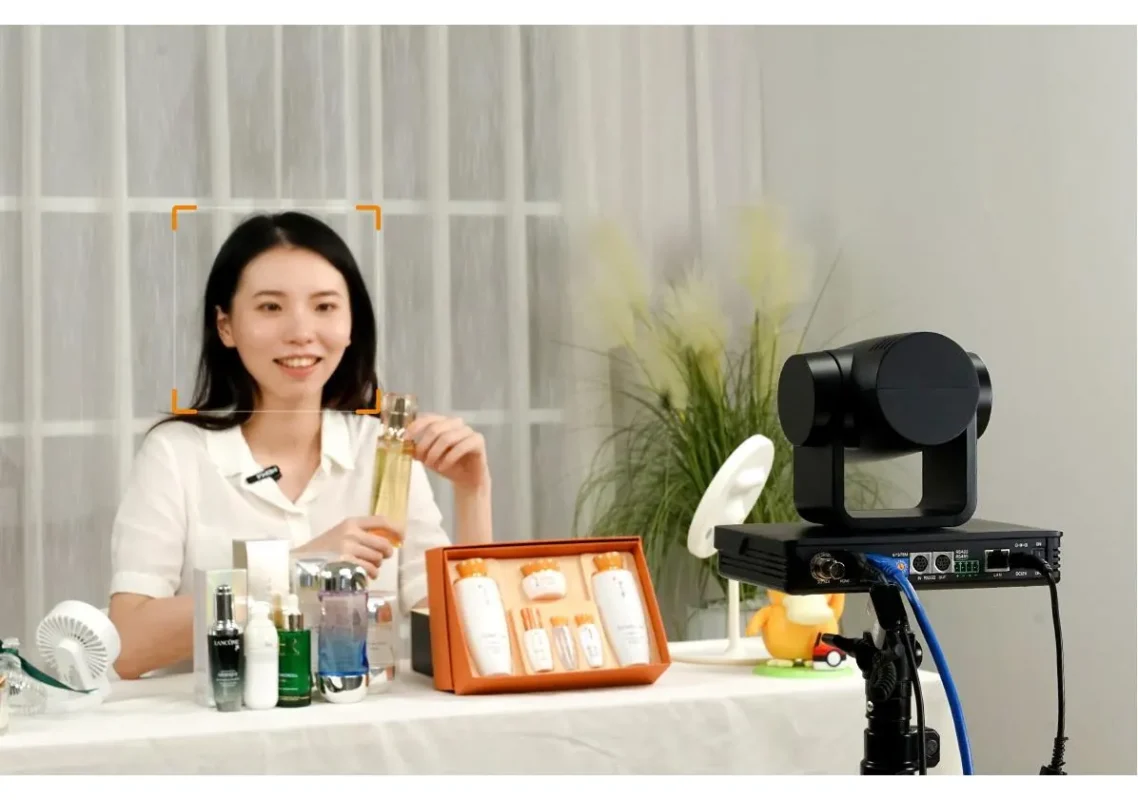
For a desk broadcast, a webinar or a one-person live stream, one camera, a small mixer and a computer are enough. The mixer switches between the camera and the computer's slides, and the computer streams out.
For lectures and church services, two PoE PTZ cameras on the same network, a joystick controller and a mixer work well. One person runs everything from a desk at the back.
For recorded video with a script, such as product films or company presentations, a teleprompter on an ordinary camera often matters more than a second camera. All three need light and sound, which you will find under LED lights, Studio lights and Microphones and audio.
Cages for external monitors
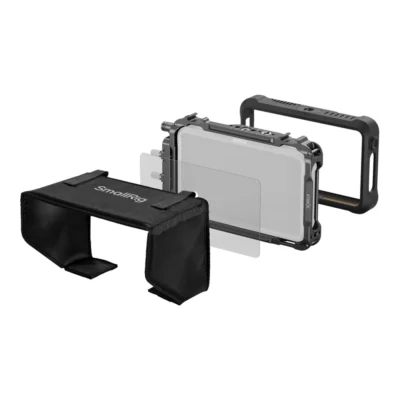
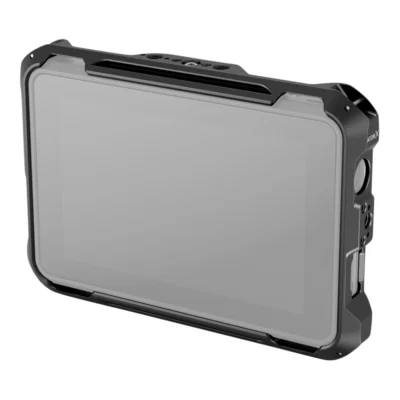
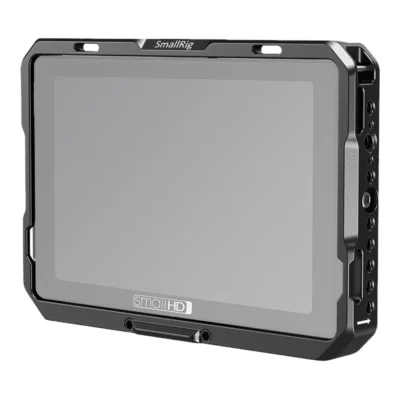
The category also includes cages for external monitors and recorders. A cage protects the screen from knocks, adds mounting points for arms and accessories and often has a clamp that holds the HDMI cable in place. Some have a sun hood. Cages are made for one specific monitor model, so check that it fits yours.
Frequently asked questions about streaming & studio
How does a teleprompter work?
The script is shown on a screen beneath an angled sheet of glass in front of the lens. The glass reflects the text towards you while the camera films straight through without seeing it. So you can read and look directly into the lens at the same time.
What does a video mixer do?
It takes the picture from several cameras and other sources and lets you switch between them in real time. The result usually goes to the computer over USB, where it appears as a webcam in the streaming software. Many mixers can also do picture in picture.
What is a PTZ camera?
A camera that can pan, tilt and zoom by remote control. It is used where the camera is fixed in place, such as classrooms, churches and conference rooms. One person can run several PTZ cameras from a joystick controller.
What do PoE and NDI mean?
PoE means the camera gets power through the network cable, so power, video and control share one cable. NDI is a way of sending video over a local network straight into the computer's streaming software. Both need a network and a switch that support them.
Can I use a teleprompter with my phone?
Yes. There are smaller teleprompters that use the phone as the screen and fit in front of both a phone and a mirrorless camera. The text is small, so they work best at close range.