
















An external drive is used to back up photos and to edit large files outside the computer. An SSD is faster and copes better with knocks than a hard drive, while a hard drive gives plenty of storage for backups. The speed depends on the interface, and the computer needs the same port to reach full speed. Always copy important pictures to at least two places.
Read more about external drives & SSDs

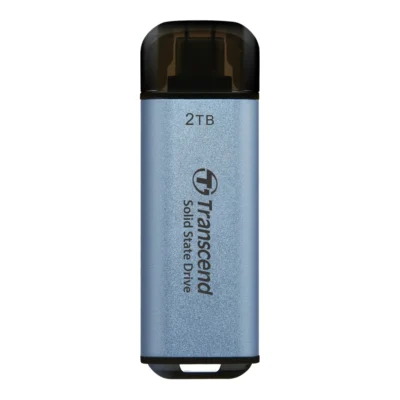
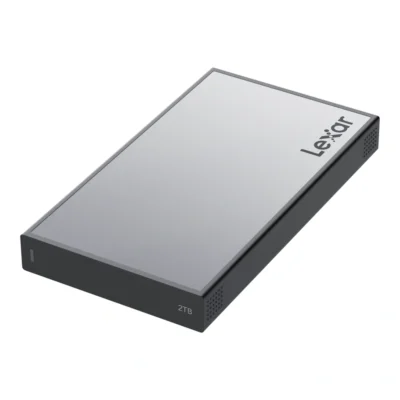
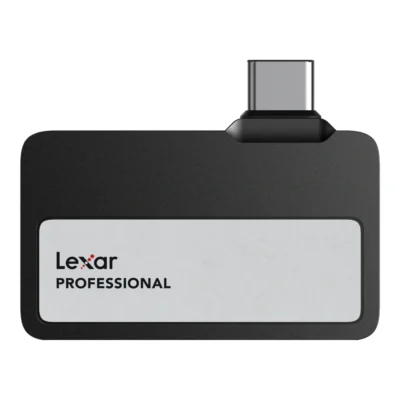
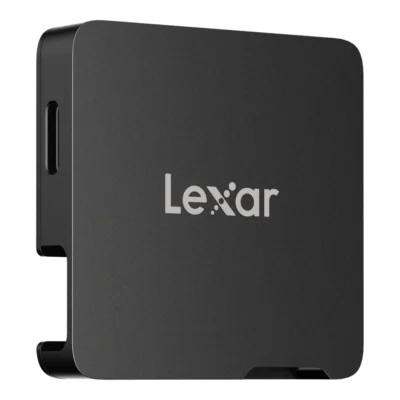
SSD or hard drive for your pictures
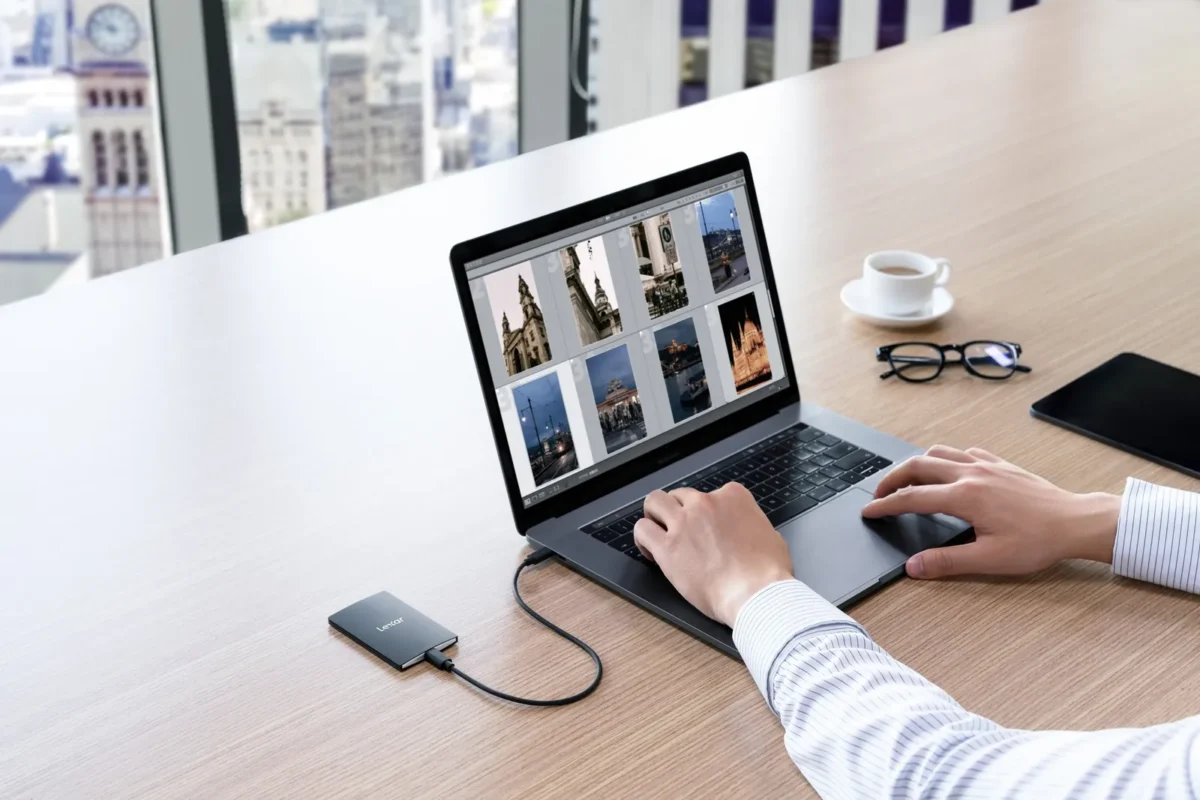
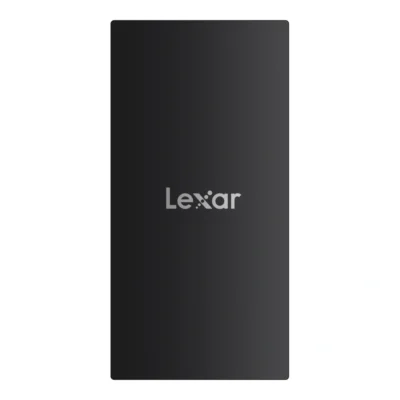
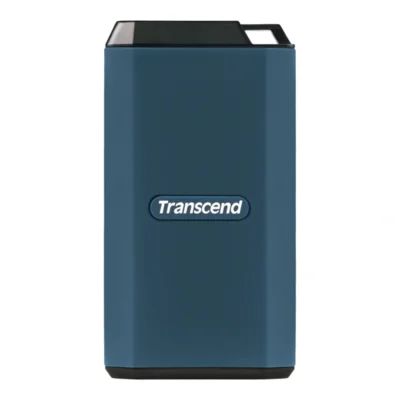
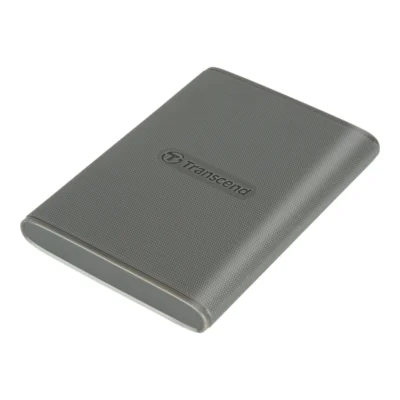
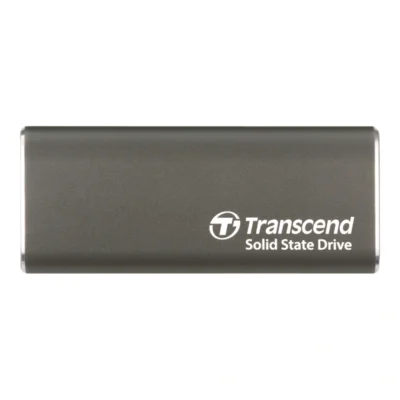
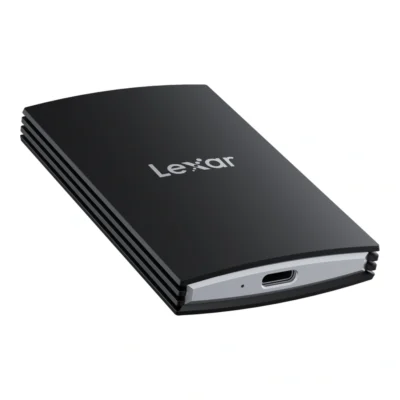
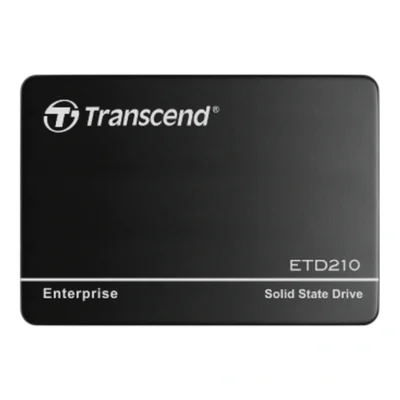
An external SSD has no moving parts. It is the size of a deck of cards or smaller, weighs little and reads at 1000 to 2000 MB/s with the right port. That makes it the drive to edit from, for sorting thousands of RAW files as much as for cutting 4K video.
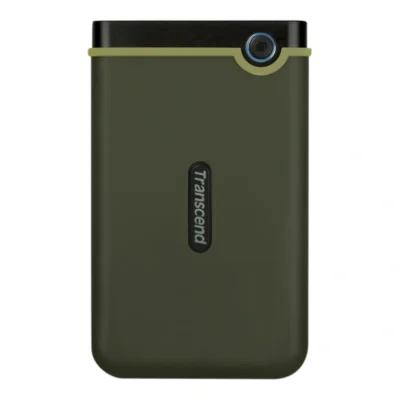
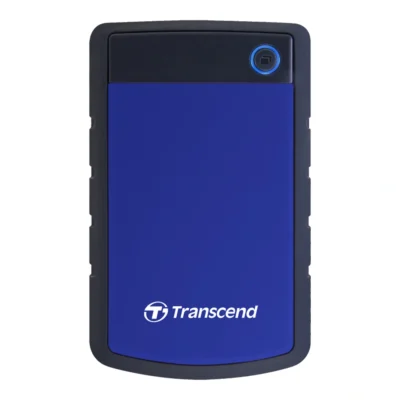
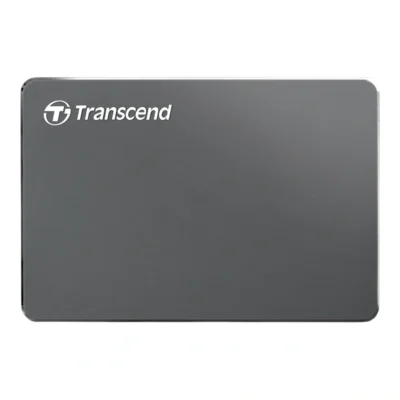
A 2.5-inch external hard drive has a spinning platter inside. It is slower, usually around 100 MB/s, and does not like being dropped while running. In return you get more storage for the money. It suits backups and archives, where files are written once and rarely read.
| External SSD | External hard drive | |
|---|---|---|
| Speed in our range | 1050 to 2000 MB/s | Around 100 MB/s |
| Shock tolerance | Good, no moving parts | Weaker while running |
| Capacity with us | 512 GB to 4 TB | 1 to 4 TB |
| Best for | Editing, recording, travel | Backups and archives |
Plenty of photographers own both: the SSD in the bag for current work, the hard drive at home with the copy.
The interface decides what you get
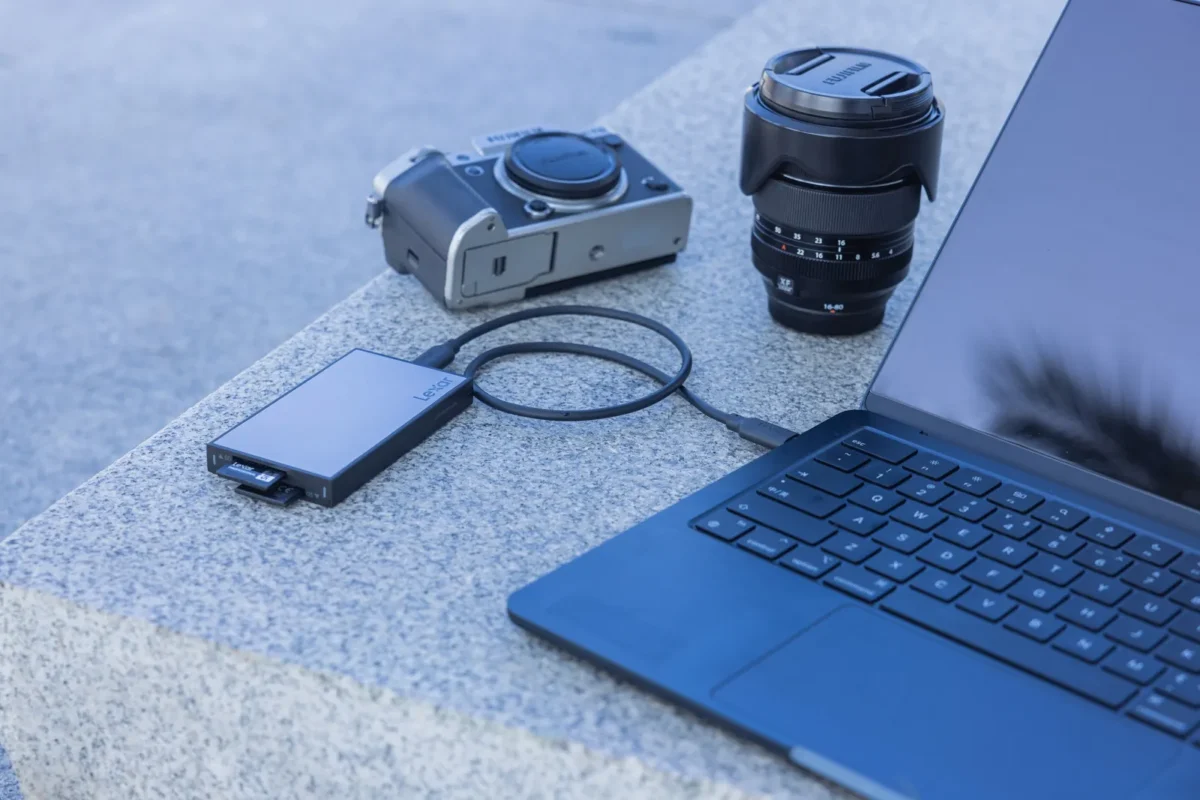
Our SSDs come in two speed classes. Those with USB 3.2 Gen 2, which is 10 Gbps, read at up to 1050 MB/s. Those with USB 3.2 Gen 2x2, 20 Gbps, reach 2000 MB/s. In practice you notice the difference when moving large video files. For browsing stills, Gen 2 goes a long way.
A Gen 2x2 drive plugged into a computer that only has Gen 2 runs at half speed. No harm done and it works as normal, but you have paid for speed you are not using. Check the computer's ports first.
Use the cable that comes with the drive. It is made for the speed, and a basic charging cable can cut it to a fraction.
Recording straight to an SSD
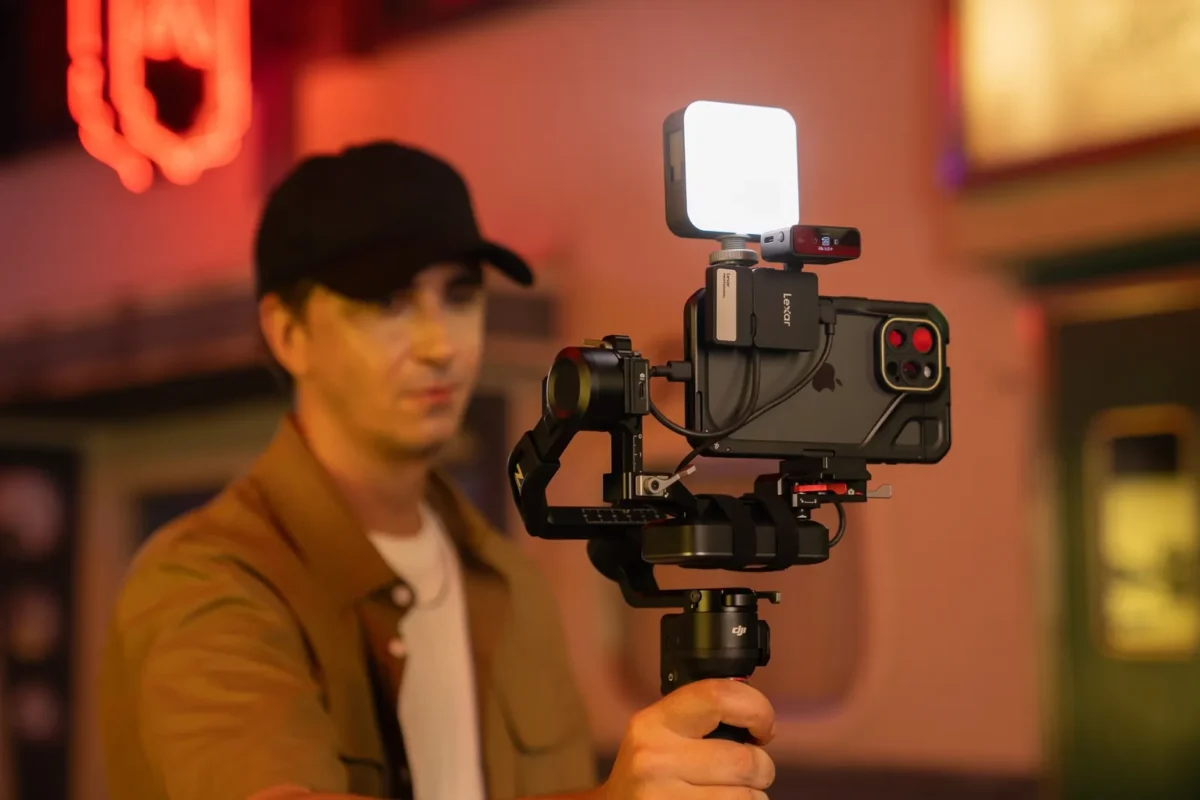
Several cameras and newer phones with USB-C can record video straight to an external SSD. That gives far more room than internal storage and means the files are already on the drive when it is time to edit. It is common on cinema cameras and on phones in a rig.
Lexar's small SSDs in the Go series are made for this, and SmallRig has clamps that fix an SSD to the phone or rig so the cable does not tug at the port. Write speed is what matters here, and a USB 3.2 Gen 2 SSD covers most formats that phones and smaller cameras record. Check the camera or phone manual for which formats it supports when recording to an external drive.
Toughness, water and encryption
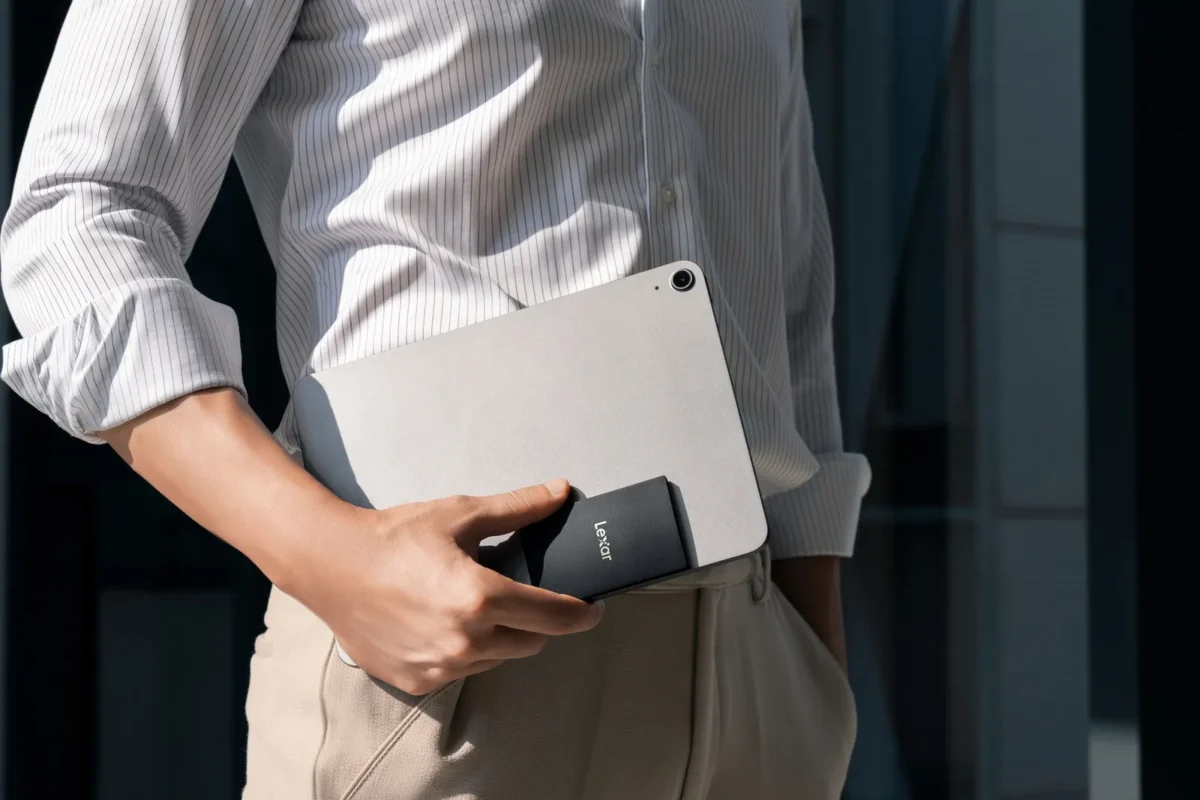
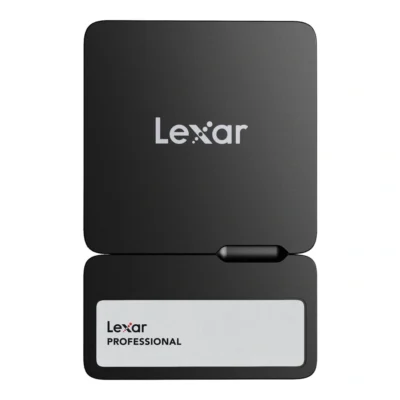
If the drive goes out in the field, a rugged model is worth the money. Transcend's rugged SSD survives 3 metre drops and is rated IPX5 against water jets. Lexar's portable Workflow SSD is rated IP68, and Lexar's Armor series has a shell built to take knocks and water.
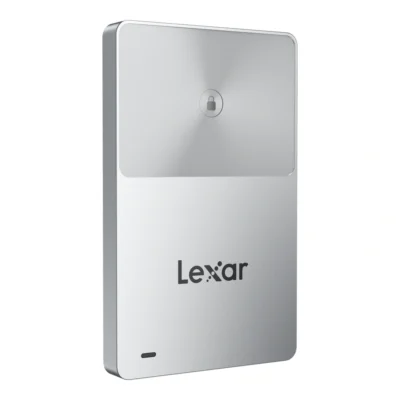
If you store client work or sensitive material, the drive should be encrypted. Lexar's SSD TouchLock has 128-bit AES hardware encryption and unlocks with a tap over NFC. If the drive goes missing, nobody gets at the files without the key.
Treat hard drives gently. Do not leave a running hard drive on a table where it can slide off, and do not move it with the cable attached.
Backups that actually work
The usual rule of thumb is 3-2-1: three copies of every picture, on two different kinds of storage, with one kept somewhere else. For an enthusiast that might mean the computer, an external hard drive at home and a cloud service or a drive at a relative's house.
Make the copy a routine, for example the same evening you empty the cards. A drive that only gets plugged in when someone remembers usually lacks the last few months of pictures. Replace old drives in good time. We would not trust a single drive in a drawer for ten years, SSD or hard drive.
An external SSD also works as a backup for your phone. With USB-C it connects straight to the handset.
Workflow systems and SSD enclosures
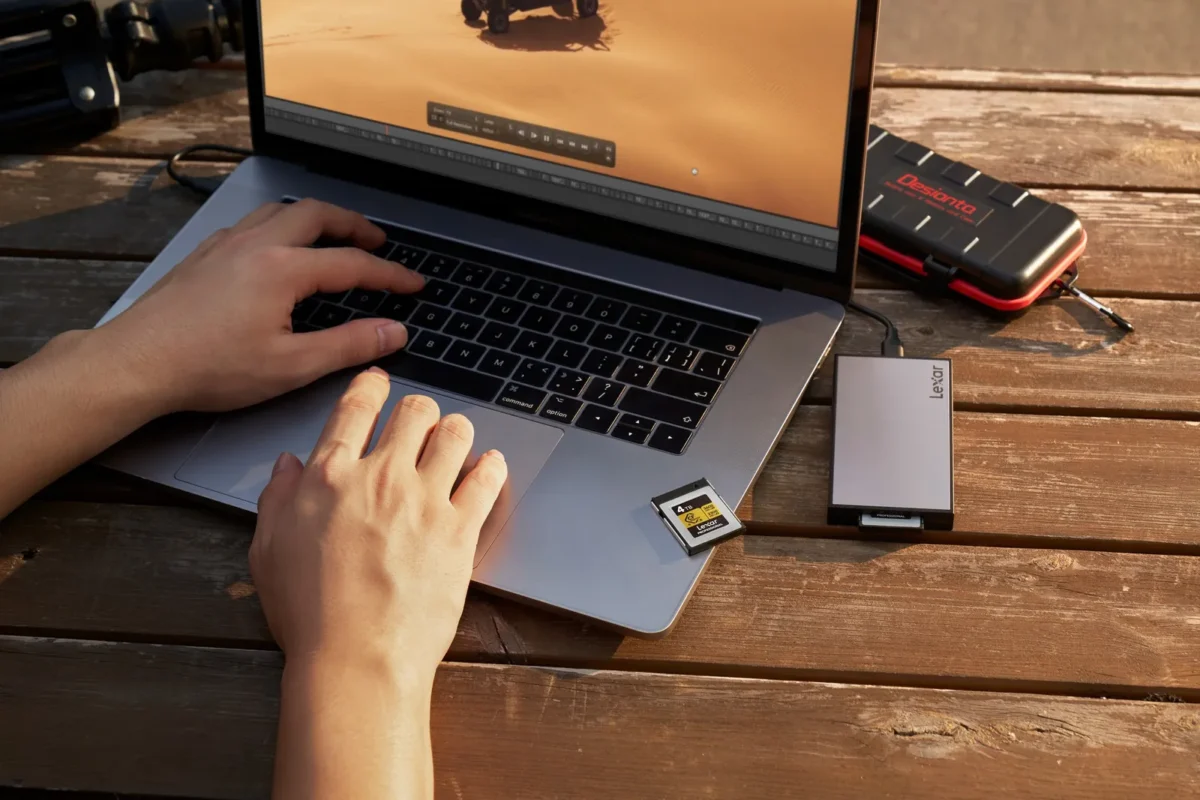
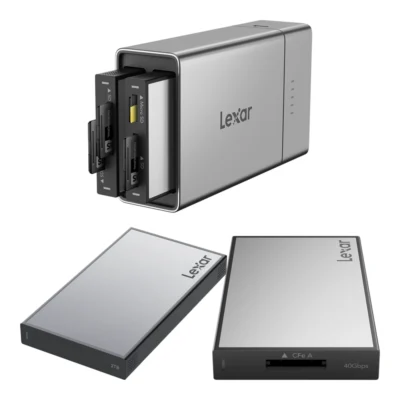
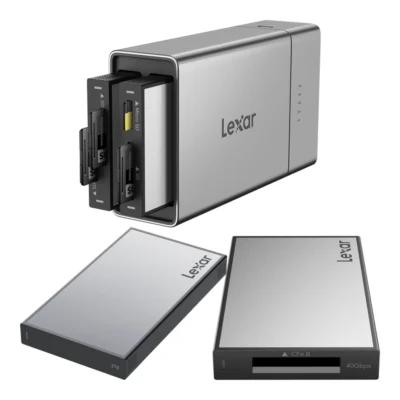
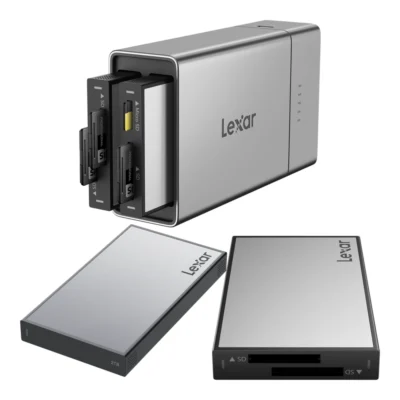
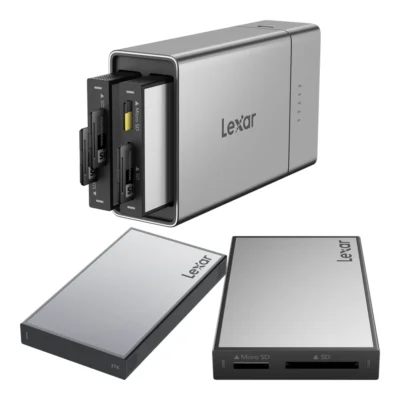
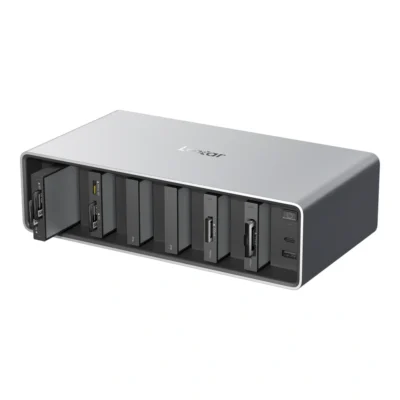
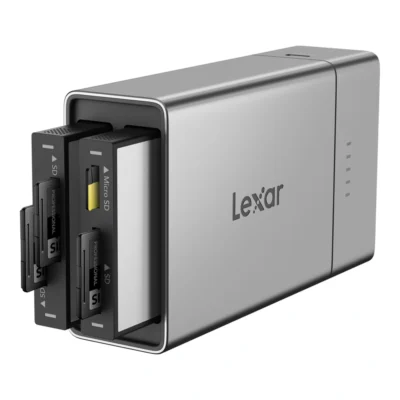
Lexar Workflow is a modular system where card readers and SSDs slot into a hub. The large hub has six module bays and Thunderbolt 4 to the computer. Workflow Go is a smaller version with two bays and a removable 5000 mAh battery for backing up in the field. Workflow Go I is sold as a kit with an SD, microSD or CFexpress reader and a 2 TB SSD.
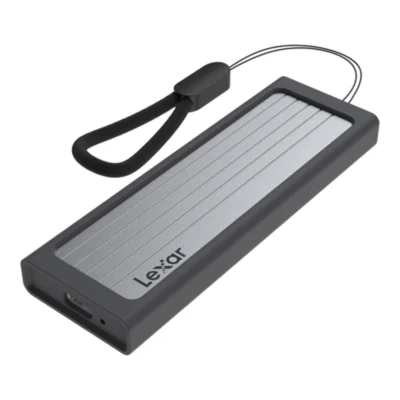
If you have an M.2 SSD left over after a computer upgrade, an enclosure turns it into an external drive. Lexar's enclosure runs at up to 10 Gbps.
Frequently asked questions about external drives & SSDs
Is an SSD or an external hard drive better for photos?
An SSD is the best to work from, since it is much faster and handles knocks. A hard drive gives more storage for the money and suits backups and archives. Many people use both.
How big an external drive do I need for photos?
Work out how much you shoot per year and add a margin. With RAW files of 25 to 30 MB, 1 TB holds roughly 35,000 pictures. Video needs a lot more, and 2 to 4 TB is common.
Why is my SSD slower than the box says?
Usually it is in a port that cannot handle the drive's standard, such as a Gen 2x2 drive in a Gen 2 port, or a basic charging cable is in use. The stated speed is also a maximum with large files.
Can I record video straight to an external SSD?
Yes, with cameras and phones that support recording to an external drive over USB-C. It gives more space and quicker editing. Check the manual for which video formats work.
What is the best way to back up photos?
Follow the 3-2-1 rule: three copies, on two kinds of storage, with one kept elsewhere. Make it a routine straight after every shoot. Replace old drives before they have a chance to fail.