
















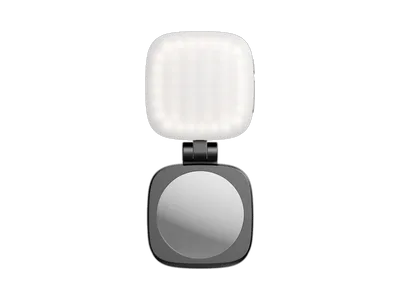
Accessories for the gimbal make it easier to carry and control during long takes. A handle or ring grip gives support for filming low, and control wheels or wireless controllers adjust focus and movement without you touching the camera. Rails and plates make room for a monitor and phone. The accessories are made for specific gimbals, so check the model.
Read more about gimbal accessories
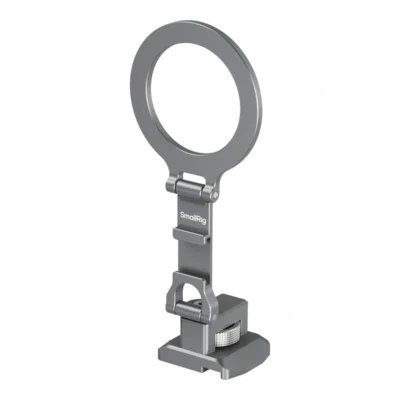
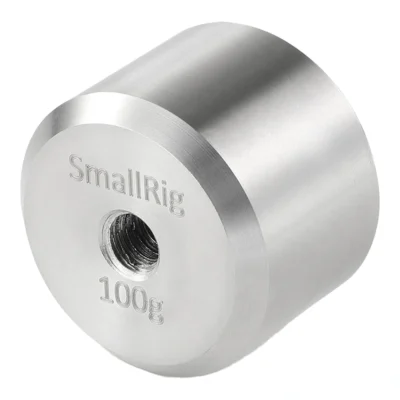
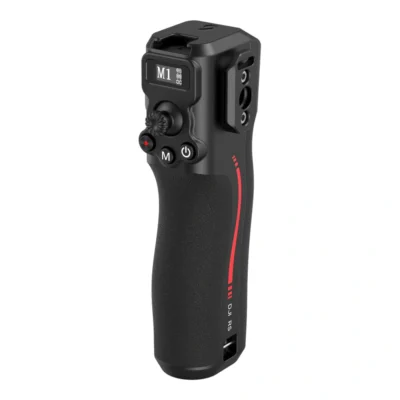
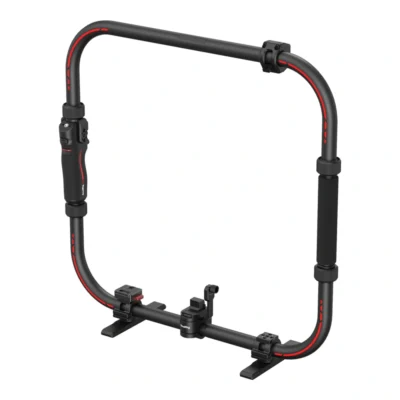

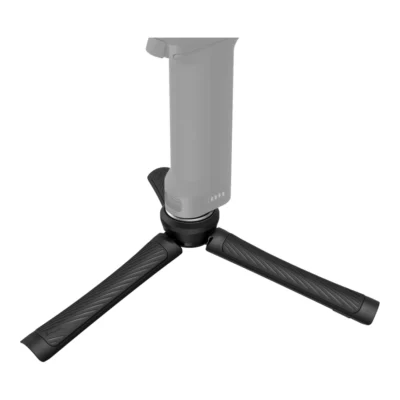
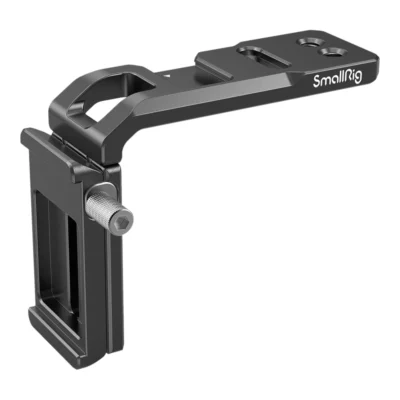

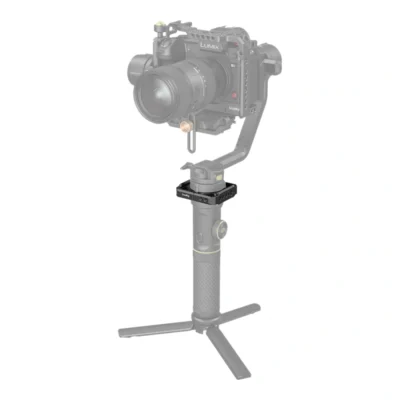

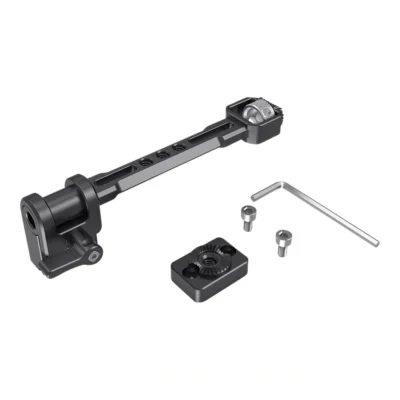
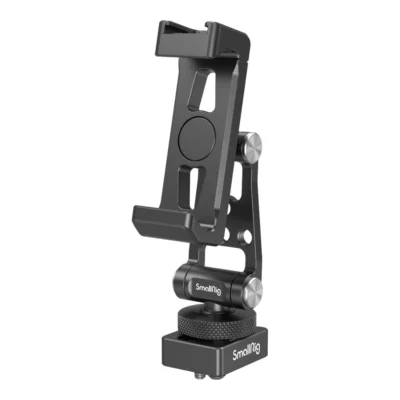
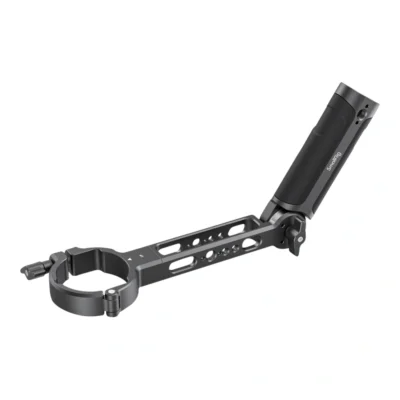
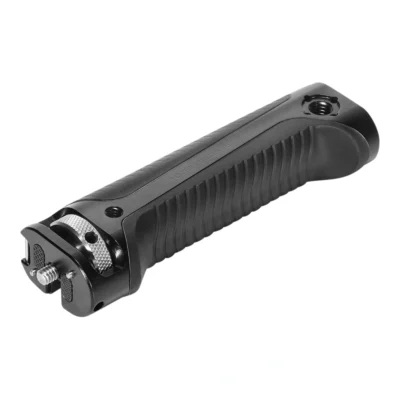
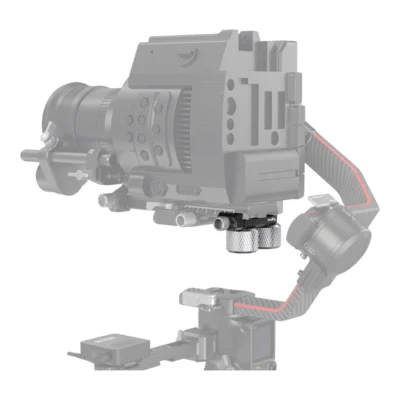
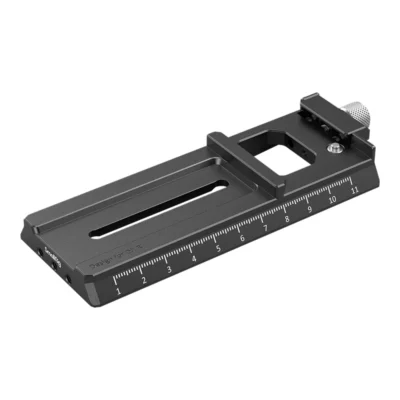
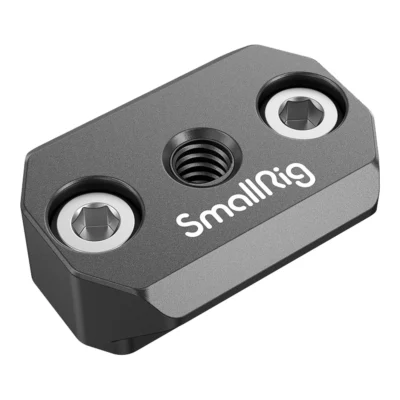
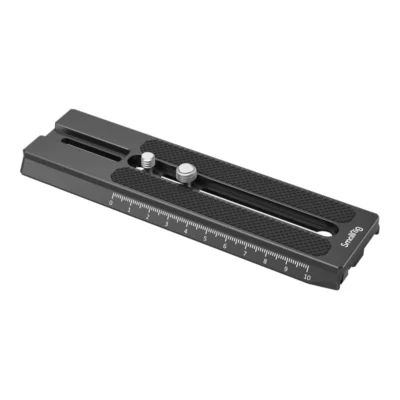

There are no gimbals here, only the parts around them. That may sound narrow, but the accessories are often what decide whether a gimbal gets used or stays on the shelf. A gimbal with a camera on it often weighs two or three kilos, and it has to be held out in front of you.

What the gimbal does and where accessories come in
A camera gimbal has three motors that hold the camera steady in the air while you move. It smooths out shake from your hands and your steps, and the result is gliding shots that would otherwise need a slider or a crane.
The gimbal handles stabilisation. It does not solve how you carry it for long, how you pull focus without touching the camera, or where the monitor goes. That is what the accessories do. Most are made for one gimbal series, such as DJI RS and Ronin or Zhiyun Crane and Weebill, and often for one generation within that series.
Quick release plates and balance
It all starts with the plate the camera sits on. A gimbal only works well when the camera is balanced, meaning it stays where you put it with the motors switched off. If it is out of balance the motors work constantly. The battery drains faster and the picture can start to vibrate.
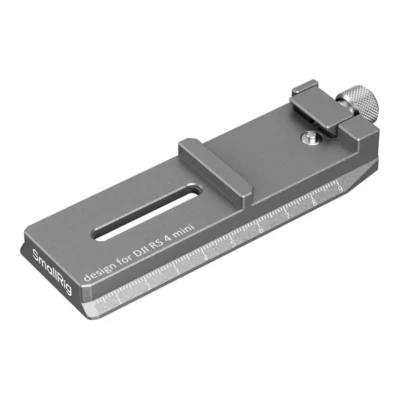
An extended quick release plate gives more room to slide the camera forward and back. You need it when a long camera or a heavy lens cannot be balanced with the original plate. Plates with an Arca profile fit tripod heads too, so the camera moves between gimbal and tripod without unscrewing the plate.
A counterweight helps when the camera is too light or when the lens is very front-heavy. Always balance with everything mounted: microphone, filter, cable and lens hood. Anything added afterwards moves the centre of gravity.
Handles and grips
The gimbal's own handle is made to be held in one hand. That works for a while, but not for a whole day.
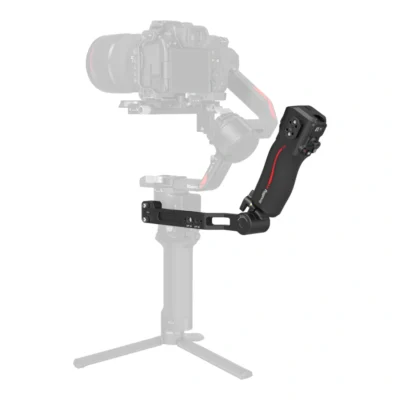
- A sling handle sits on top and lets you carry the gimbal like a briefcase. Low shots near the ground get easy.
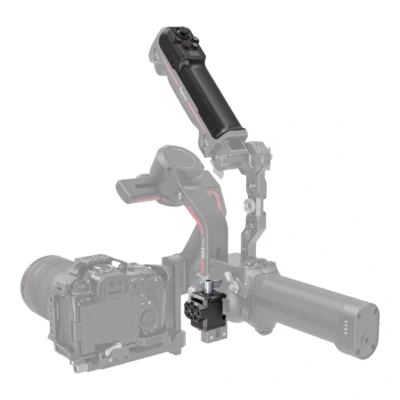
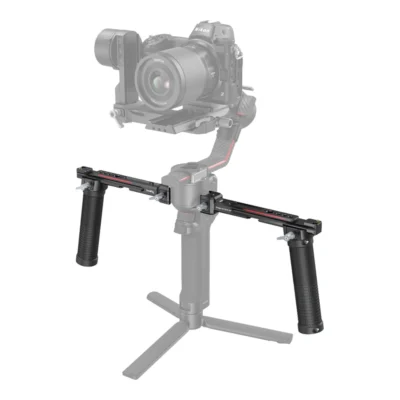
- Dual handles put both hands on the gimbal and give a steadier hold on long walks.
- A ring grip goes all the way around the gimbal so you can change grip without letting go.
- Wrist supports and carrying straps move some of the weight from your wrist to your forearm or shoulder.
In our view a second handle is the accessory most people should buy first. The difference in how long you last is big.
Controlling focus and movement
On a gimbal you cannot turn the focus ring by hand without upsetting the balance. A handle with a focus wheel drives focus through a motor at the lens, and both your hands stay on the gimbal.
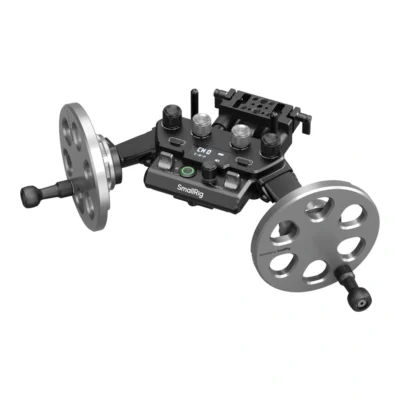
Control wheels and wireless controllers let a second person steer pan and tilt while you walk. That is how film crews often work, and it means the person carrying the gimbal can think about where they are going instead of where the camera points. Control wheels with adjustable resistance give smoother moves than a small joystick.
Monitor and phone on the gimbal
The camera screen is hard to see when the gimbal is held low or high. A monitor mount puts an external screen where you can see it, and a NATO rail on the gimbal gives room for more accessories.
Many people use their phone as a screen through the gimbal's app. There are phone holders that mount on the gimbal or on an Arca plate, and some have a cold shoe for a small light or microphone.
Put the monitor and phone on the gimbal's handle, not on the camera. Everything on the camera has to be carried and balanced by the motors.
Check the fit
Gimbal accessories are rarely universal. A handle made for one series often does not fit the next, even when the gimbals look alike. Check the exact model before you buy.
The accessories here are mainly made for gimbals for mirrorless and small cinema cameras. For small pocket cameras with a built-in gimbal, mounts and grips are among the action camera accessories. If you film with your phone, a phone rig often does more than a gimbal, since the phone's own stabilisation already takes care of much of the shake.
Count the weight too. Camera, lens, cage and accessories together should stay under the gimbal's maximum payload. Close to the limit, balancing gets difficult and the motors strain.
Cables running from the camera to something off the gimbal drag on the movement. Use short, soft cables and route them so they do not pull tight when the gimbal turns.
Frequently asked questions about gimbal accessories
What is a gimbal?
A gimbal is a stabiliser with three motors that holds the camera steady while you move. It smooths out shake from your hands and steps and gives fluid movement in the picture. Gimbals are used with mirrorless cameras, cinema cameras and phones.
What is a gimbal controller?
A gimbal controller is a remote, wireless or wired, that steers the gimbal's pan and tilt. There are also controllers for focus through a motor at the lens. With a controller, a second person can steer the camera while you carry the gimbal.
Which accessories do I need for a mirrorless camera gimbal?
A second handle or a sling handle makes the biggest difference to how long you can keep going. After that comes a quick release plate that fits both gimbal and tripod, and a monitor or phone holder if the camera screen is hard to see. Check that the accessory is made for your gimbal model.
How do I balance a gimbal?
Mount everything that will be on the camera first, including microphone and filter. Then slide the camera on the plate until it stays put in every position with the motors off, one axis at a time. If the plate runs out of travel, an extended plate or a counterweight may be needed.
Why does my gimbal vibrate?
The most common reason is that the camera is not balanced, so the motors work too hard. It can also come from motor strength set too high or from a cable pulling. Rebalance with everything mounted and check the cables.