
















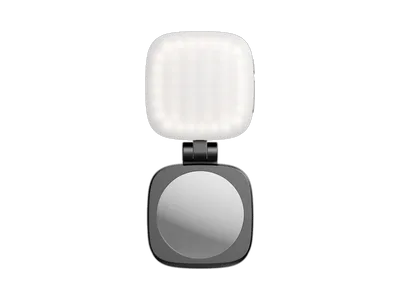
A small light on the phone lights up your face when you film yourself or take pictures in low light. Some attach directly to the phone, others go in a shoe on a phone rig. Lights with adjustable colour temperature can be matched to the light in the room, and RGB lights give coloured light. Also look at CRI and battery life.
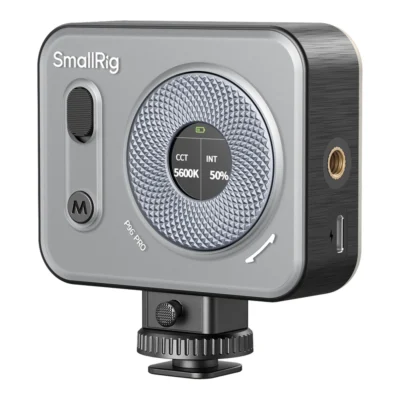


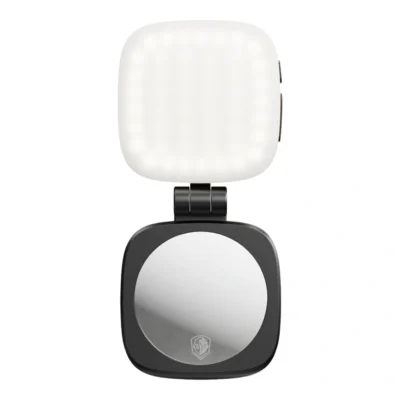
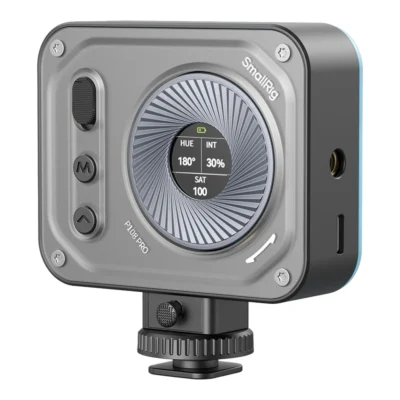


A phone camera does well in daylight. Indoors in the evening it pushes the ISO up, the picture turns grainy and skin goes slightly grey. Raising the brightness in the camera app rarely fixes it. More light on the subject does.
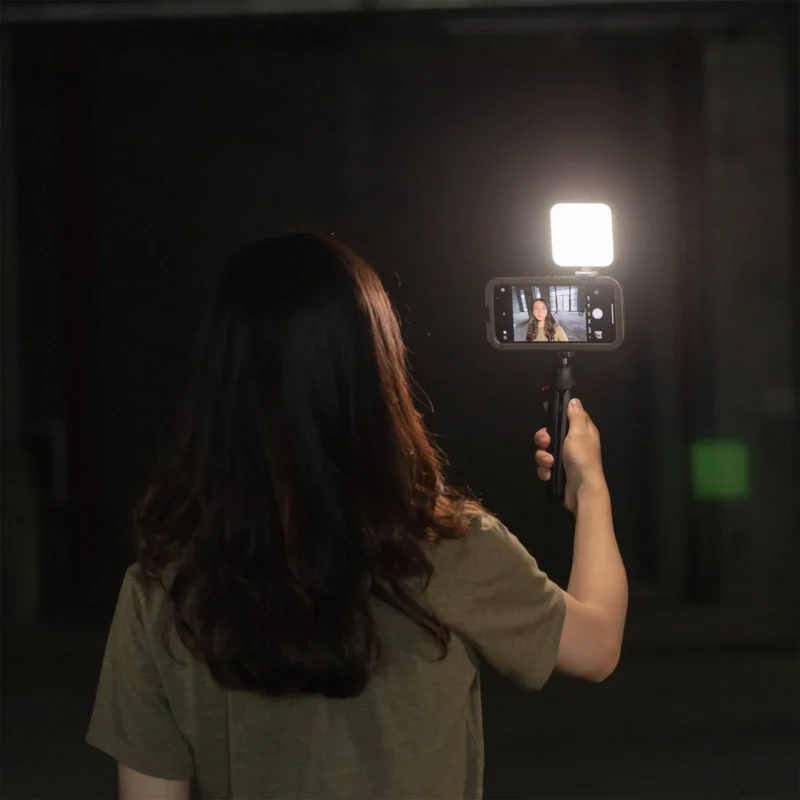
Three ways to attach a light to your phone
Most phone lights use one of three mounts. Magnetic is the quickest. A MagSafe-compatible light snaps onto the back of a phone with MagSafe and stays put through a case made for it. Phones without MagSafe need a magnetic ring stuck to the phone or its case.
A clamp works on almost any phone. Clamped over the edge of the screen it can cover part of the display or press buttons, so try it before you record.
The third option is a cold shoe. If you use a phone rig, a handle or a holder with a shoe, the light goes there. It then sits a little away from the phone and can be angled freely. Many small lights also have a 1/4-inch thread for a mini tripod or an articulating arm.
When you film yourself with the front camera, the light has to face the same way as the screen. Check that the mount can swivel or tilt, or it will light the room behind the phone instead of you.
Place the light so the face gets shape
A light right next to the lens gives flat light. The face is evenly lit but looks a bit like a passport photo. Move the light slightly to one side and just above eye level and the nose and cheeks get shadows that add depth. Ten or twenty centimetres is often enough.
Distance matters more than people expect. Light falls off quickly, so a lamp close to your face puts plenty of light on you and little on the wall behind. That lifts you out of the background. Put it far away and everything is lit evenly, including the clutter you didn't want in the shot.
If you wear glasses, the light shows up as a bright spot in the lenses. Tilt it up or to the side until the reflection leaves the frame. The same trick works with glossy products.
Colour temperature, white light and RGB
What matters most is that the colour matches the room. A living room lamp is warm, around 2700 K. Window light on an overcast day is much cooler. If the phone light is set to daylight while the ceiling lamp glows warm, you get a bluish face against a yellow background, and the phone's white balance can't correct both. Choose a light with adjustable colour temperature and set it close to the room light.
An RGB light can also produce any colour. For faces you will nearly always use white. Colour earns its place on the wall behind you, on a shelf or on a product, where it adds an accent. It is a cheap way to make a dull background look planned.
Look at CRI too. It tells you how accurately colours are rendered, and for skin you want 95 or higher. The LED lights guide goes deeper into colour temperature and CRI.
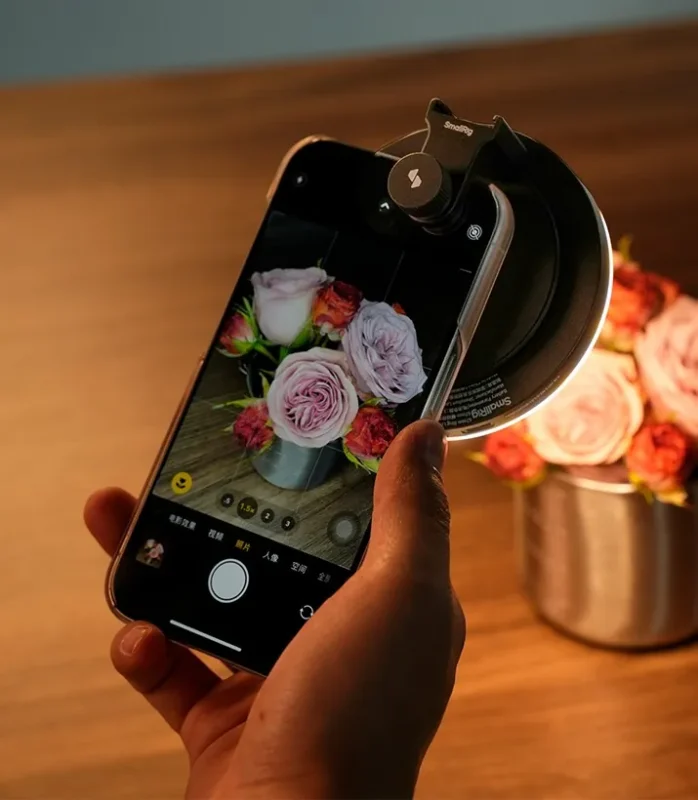
Taking photos with a phone light
They work for stills as well. For close-ups of flowers, food and small products, a steady light from the side usually beats the phone's own flash. That LED sits right beside the lens and gives hard, flat light with shiny hot spots.
With a continuous light you also see the result on screen before you press the shutter. Move it until the shadows fall where you want, then take the shot. In a restaurant, low power is enough for the picture and kinder to the next table.
Battery and charging
Almost every phone light has a built-in battery that charges over USB-C. The stated run time usually applies to a certain brightness, and at full power the battery lasts much less. Charge before a shoot and bring a power bank if you film all day.
Lights with lithium batteries generally belong in your carry-on when you fly, not in checked luggage.
Common mistakes
The first is running the light at full power straight into your face. You squint, skin turns shiny and the background drops into darkness. Lower the power and bring the light closer and a little to the side.
The second is trusting the automatics. The phone shifts exposure and white balance as you move, and the light seems to pump up and down through the clip. Lock exposure once the light looks right.
If you film with a camera rather than a phone, larger lights are under LED lights. If you need to light a whole room, studio lights are what you are after.
Frequently asked questions about phone lights
What light should I use on my phone to film myself?
A small LED light with a built-in battery that can be angled towards you when you use the front camera. Adjustable colour temperature lets you match the room light. With a MagSafe phone a magnetic mount is quickest; otherwise use a clamp or the cold shoe on a phone rig.
Do MagSafe lights work on phones without MagSafe?
Yes, if the phone or its case gets a magnetic ring. The ring sticks to the back and the light attaches to it just as on a MagSafe phone. You can also put the light in the cold shoe of a phone holder.
Should a phone light be warm or cool?
Set it as close to the room light as you can. Under ordinary indoor lamps that means warm, around 2700 to 3200 K. By a window in daytime a cooler setting fits. Mixed light gives a face and a background in different colours.
How long does a phone light battery last?
Mostly it depends on how bright you run it. The stated run time usually applies to a certain brightness, and at full power it is much shorter. Charge before recording and bring a power bank for long shoots.
Can I use a phone light for photos?
Yes. For close-ups of food, flowers and small products, a light from the side gives softer, more shaping light than the phone's built-in flash. You can also see how the light falls before you take the picture.