
















Start with the card slot your camera has, because card types cannot be swapped. For video the write speed matters most, and markings such as V30, V60 and V90 give the minimum speed the card sustains. A faster card interface only helps if the camera supports it. Choose the capacity by how much you shoot before you get to empty the card.
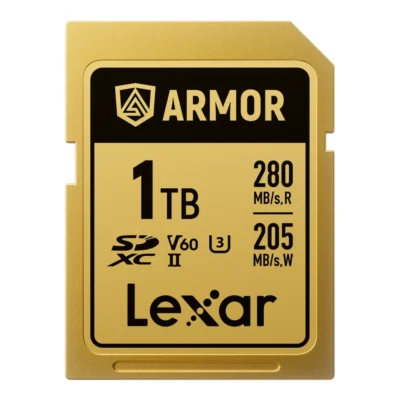
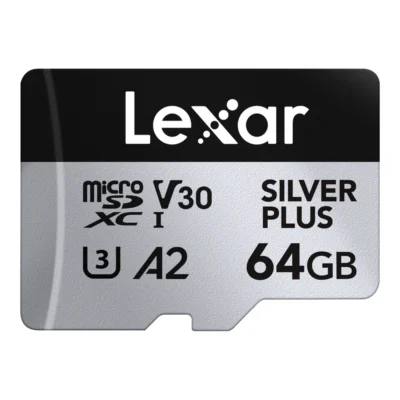
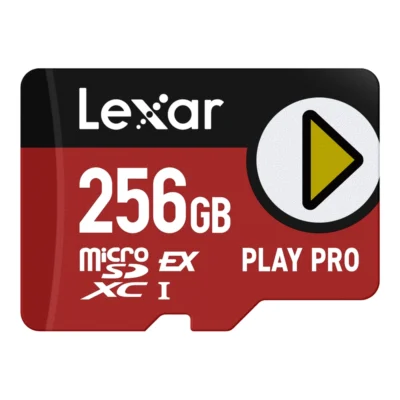
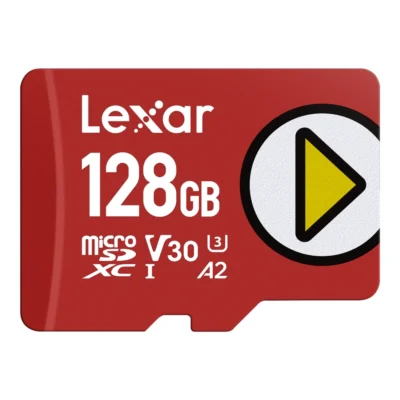
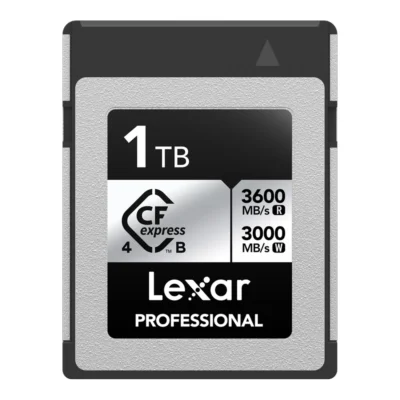
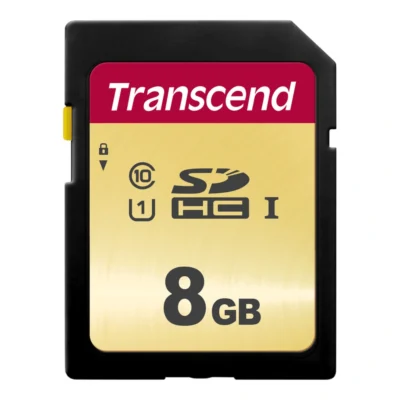
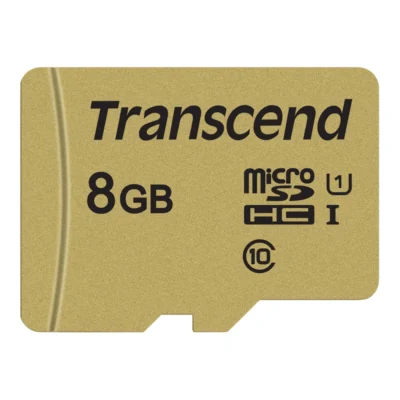
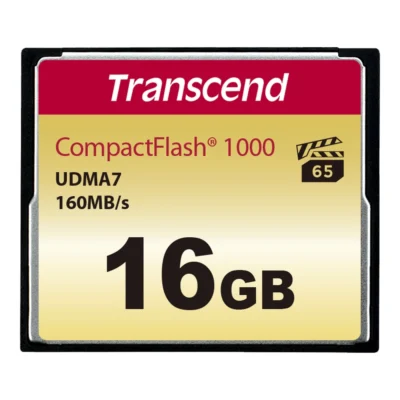
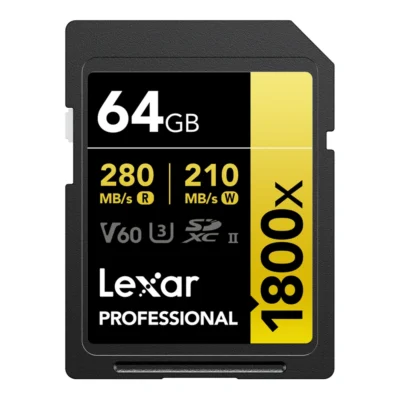
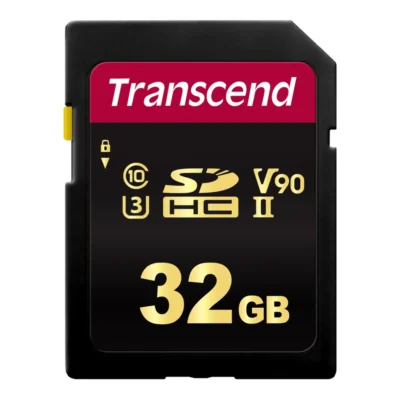
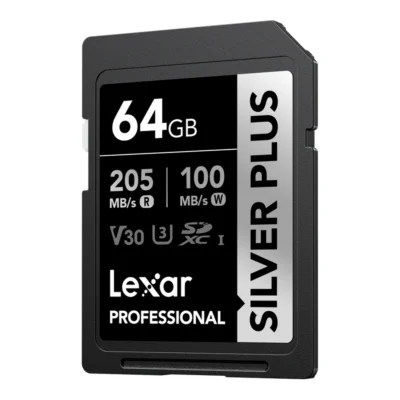
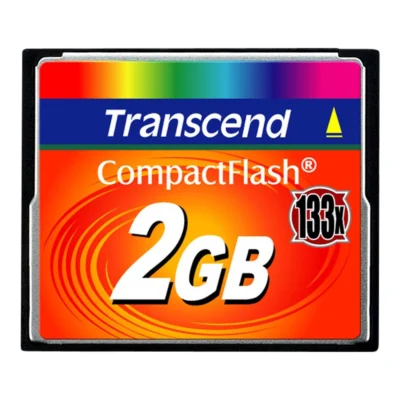
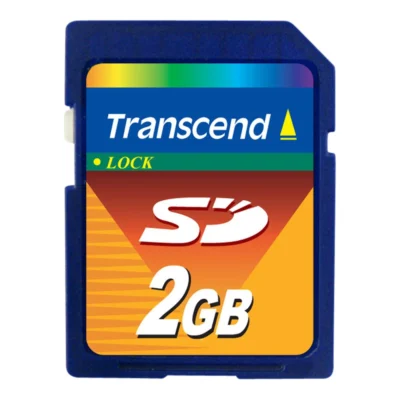
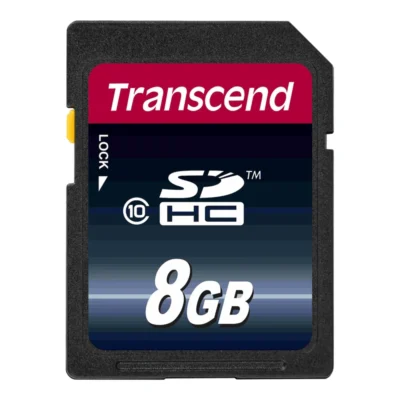
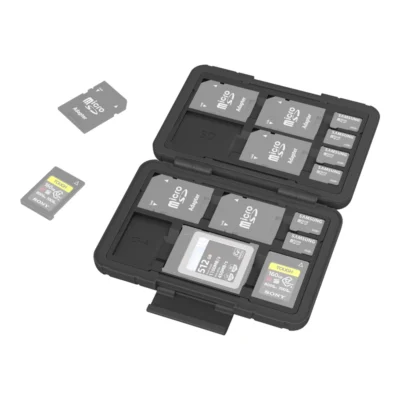
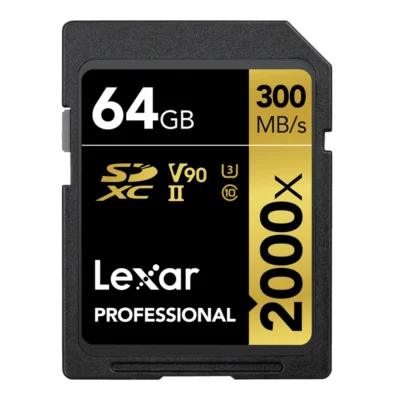
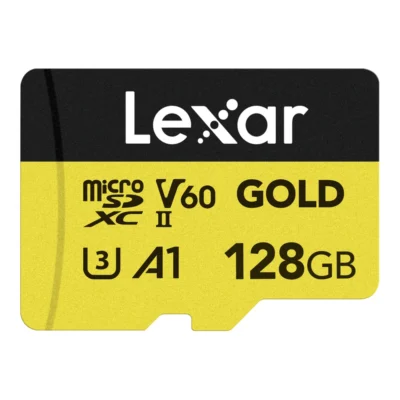
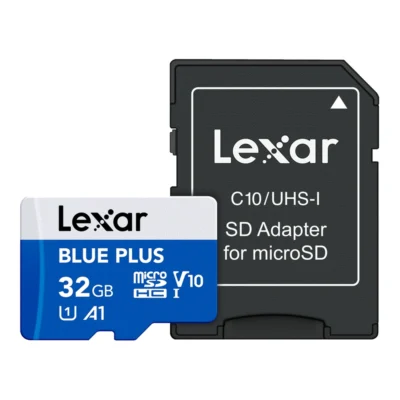
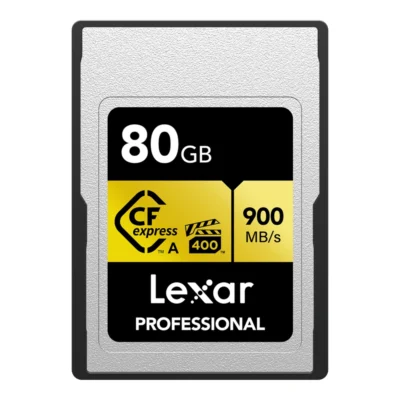
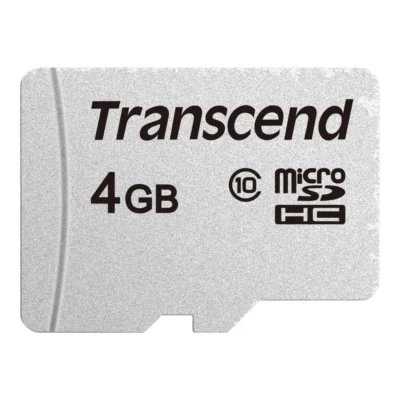
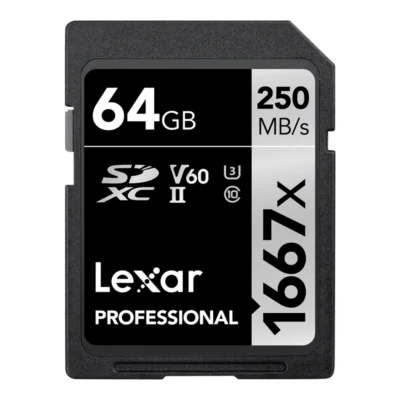
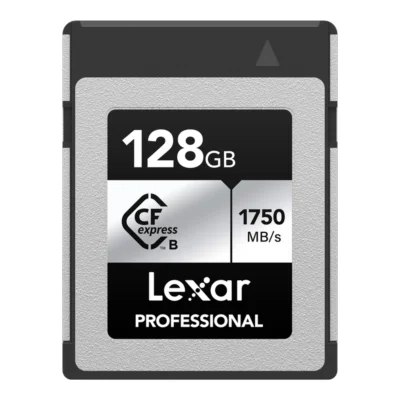
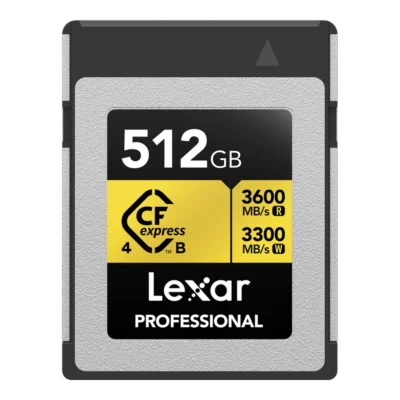
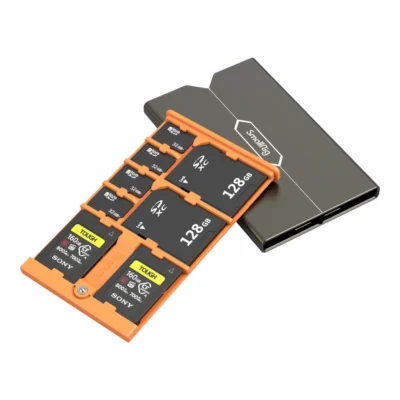
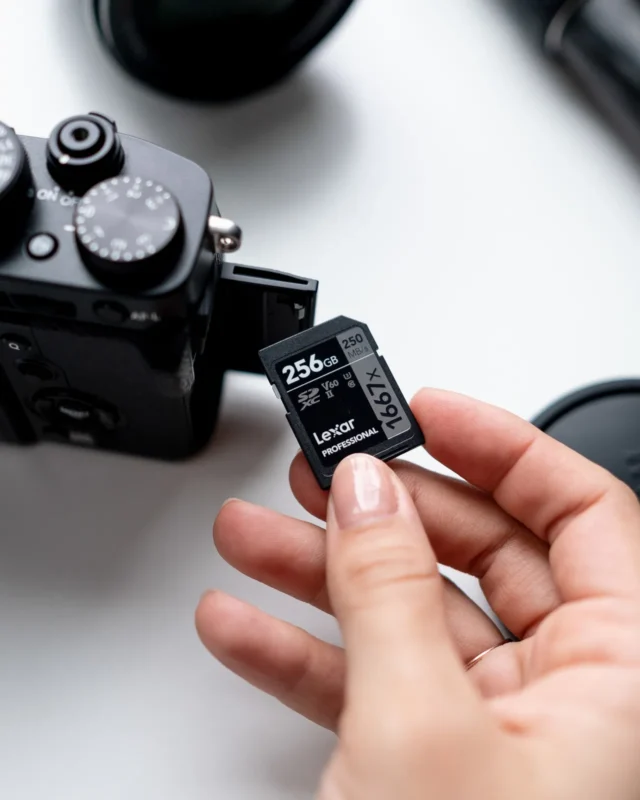
SD, microSD, CFexpress and CF
The SD card is the most common card in cameras, from simple compacts to many professional bodies. It measures 24 x 32 mm and has a small switch on the side that write-protects it. With the switch in the wrong position the camera may show the card but refuse to save pictures, and that is one of the questions we get most often.
microSD is the same technology in an 11 x 15 mm format. It goes in drones, action cameras, phones and some small cameras. With an adapter it works in an SD slot, but rarely as fast as a proper SD card.
CFexpress is built for the fastest cameras. Type A is the smaller format, used mainly in Sony cameras, often in the same slot that takes SD. Type B is larger and found in Canon, Nikon and Panasonic bodies, among others. The two types do not fit each other's slots. CF, CompactFlash, is the older format from earlier DSLRs and is still used by people who own one.
| SD | microSD | CFexpress Type A | CFexpress Type B | |
|---|---|---|---|---|
| Size | 24 x 32 mm | 11 x 15 mm | 20 x 28 mm | 38.5 x 29.8 mm |
| Most common in | System cameras and compacts | Drones, action cameras, phones | Sony cameras | Pro cameras from Canon, Nikon, Panasonic |
| Read speed in our range | Up to about 300 MB/s | Up to about 280 MB/s, 900 MB/s with microSD Express | Up to about 900 MB/s | Up to 3600 MB/s |
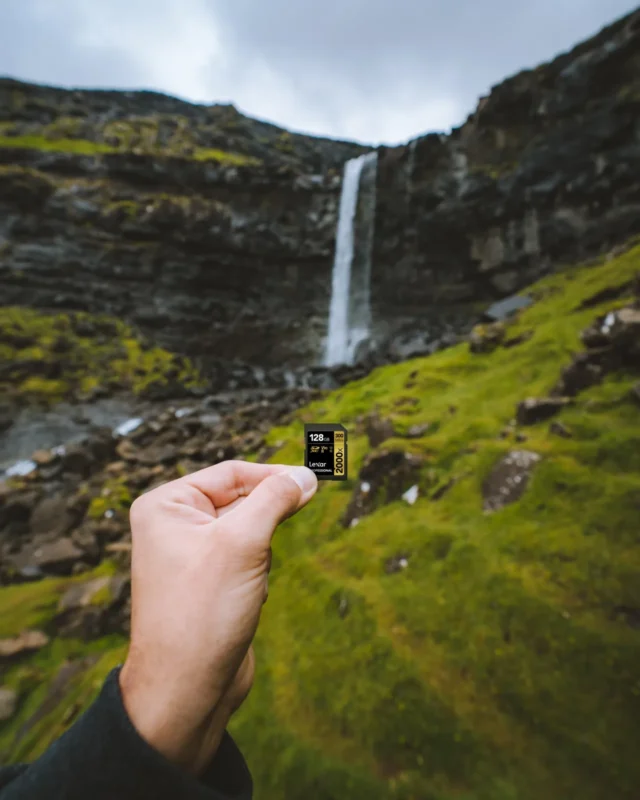
How to read the markings on a card
An SD card can carry five or six symbols on its label, and they mean different things.
- The video class V10, V30, V60 and V90 gives the minimum sustained write speed in MB/s. It is the one that matters most for video.
- U1 and U3 are an older scale for the same thing, 10 and 30 MB/s. Class 10 is older still and means 10 MB/s.
- UHS-I and UHS-II describe the bus. UHS-II cards have an extra row of contacts on the back and are only faster in a camera or reader that has them too.
- A1 and A2 are about how fast the card runs apps. That matters in phones and game consoles, not in a camera.
- Figures such as R280/W210 are the maximum read and write speeds in MB/s. Lexar also gives an x rating, such as 1066x or 2000x, where 1x equals 150 kB/s.
Note that the read speed is almost always the higher number and the one printed largest. For the camera, write speed is what counts.
What speed video and burst shooting need
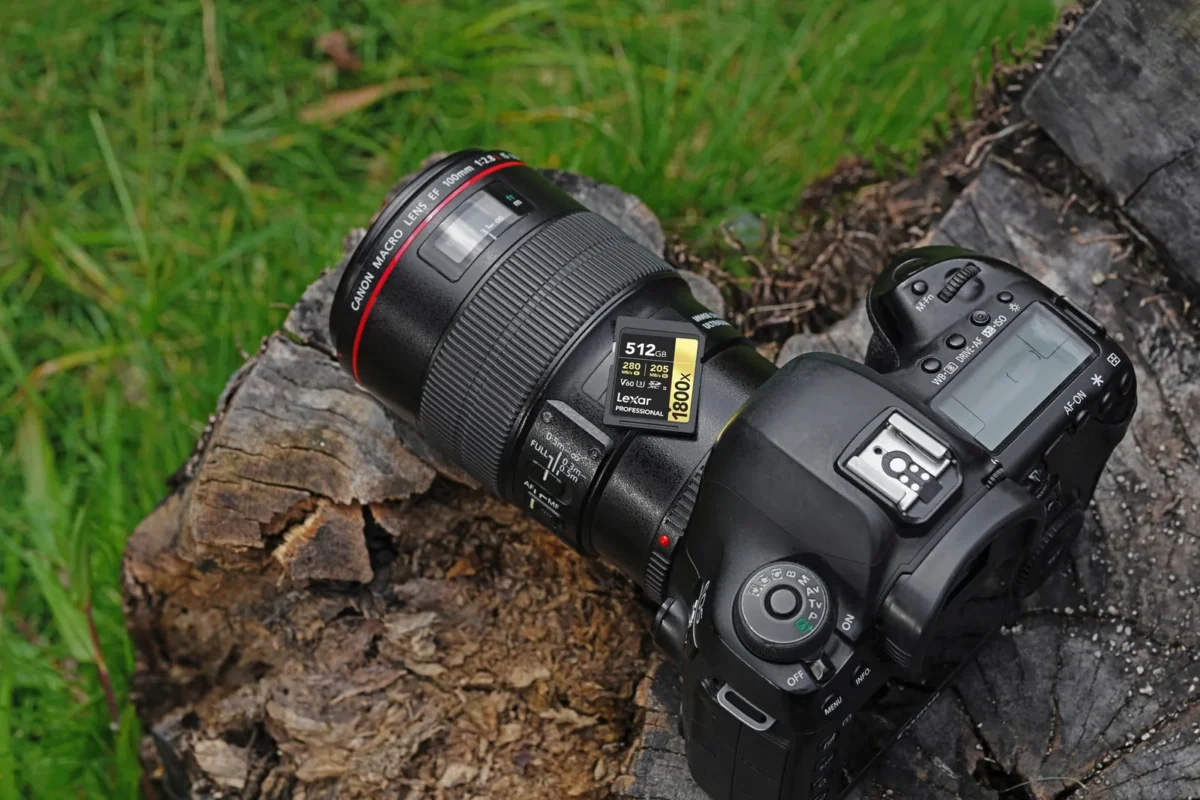
The camera menus give video bitrate in Mbps, megabits per second. Divide by eight to get MB/s. 4K at 100 Mbps is just over 12 MB/s, well within a V30 card. 4K at 200 Mbps needs 25 MB/s, and V30 still copes. From 400 Mbps upwards, as with All-Intra and 10-bit at high frame rates, you need V60 or V90. Cameras that record RAW video or 8K often require CFexpress.
For stills, write speed shows during burst shooting. The camera first saves to a buffer and then empties it to the card. With a slow card it takes longer before you can shoot the next burst. If you shoot sport or birds in fast bursts, a UHS-II card, or CFexpress if the camera takes it, is one of the cheapest ways to make the camera feel quicker.
A card faster than the camera can use does no harm. It will serve the next camera, and the card reader empties it sooner.
Capacity and how many cards you need
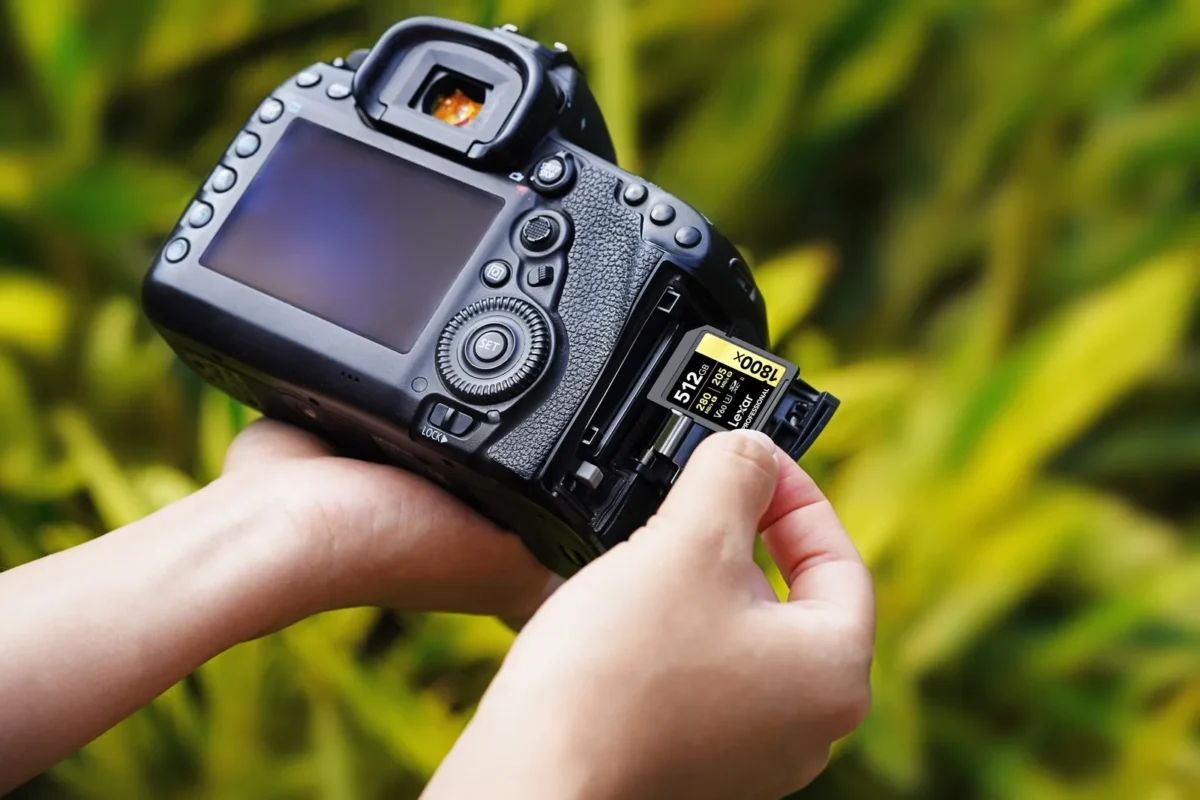
SDHC cards go up to 32 GB, and anything above 32 GB is SDXC. Very old cameras only read SDHC, but nearly every camera sold in the last fifteen years handles SDXC.
How much fits depends on the file type. A RAW file from a 24-megapixel camera is often around 25 to 30 MB, and from a 45-megapixel body or larger it can be twice that. A 128 GB card therefore holds a few thousand RAW files from an ordinary camera. Video fills a card much faster: an hour of 4K at 200 Mbps takes about 90 GB.
We think two smaller cards beat one big one. If a card fails or goes missing, you do not lose everything. If the camera has two slots, let it write to both at once and you have a backup before you even get home.
microSD for drones, action cameras and phones
Drones and action cameras record 4K at high bitrates, so the card should be at least V30 and U3. That is the marking the makers themselves usually specify. A microSD with A2 is a good choice for a phone or tablet, since apps start faster.
There is also microSD Express, which is much faster but only reaches that speed in a device that supports the standard. In an ordinary drone the card works like a regular microSD.
Care and common mistakes
Format the card in the camera once the pictures are transferred, rather than deleting files on the computer. That keeps the file system clean and lowers the risk of errors. Never pull the card while the camera is writing, and eject it properly from the computer before unplugging the reader.
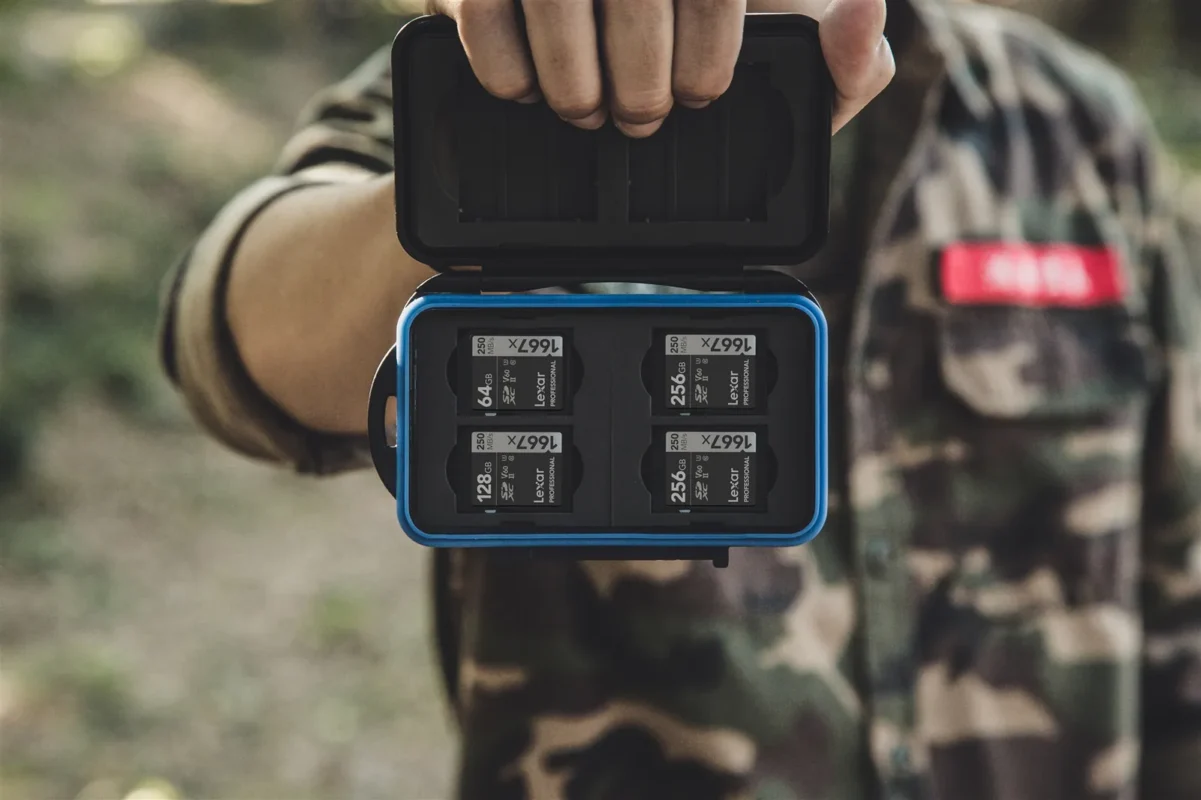
Cards survive more than you might think. Most are rated from minus 25 to plus 85 degrees, and some Lexar cards are built to withstand drops and dust. What usually breaks is the plastic and the lock switch, when cards rattle around loose in pockets. A card case keeps them in order and protects the contacts.
Mark full cards, for example by turning them over in the case. The easiest way to lose pictures is to format a card that was never emptied.
Frequently asked questions about memory cards
Which memory card fits my camera?
Check the card slot or the manual for the type the camera takes: SD, microSD, CFexpress Type A or B, or CF. Then choose speed by how you shoot video. For most cameras filming 4K a V30 SD card is enough, while higher bitrates need V60 or V90.
What do V30, V60 and V90 mean?
They are video classes giving the card's minimum sustained write speed: 30, 60 and 90 MB/s. The higher the bitrate the camera records at, the higher the class you need. Divide the video's Mbps by eight to get MB/s.
What is the difference between CFexpress Type A and Type B?
Type A is smaller, 20 x 28 mm, and used mainly in Sony cameras. Type B is 38.5 x 29.8 mm and found in Canon, Nikon and Panasonic among others. They do not fit each other's slots.
Are UHS-II cards faster in every camera?
No, only in cameras and readers with UHS-II contacts. In a UHS-I camera the card works at UHS-I speed. Transfers to the computer still get faster if the card reader supports UHS-II.
Which microSD card does a drone or action camera need?
At least V30 and U3, since they record 4K at high bitrates. Choose capacity by how much you film per day. A2 is not needed in the drone but helps if the card will also go in a phone.
How big a memory card do I need?
A 128 GB card holds a few thousand RAW files from a 24-megapixel camera. Video fills up faster: an hour of 4K at 200 Mbps takes about 90 GB. Two smaller cards are safer than one large one.