
















A card reader moves files from the memory card to the computer faster than going through the camera. The reader must have slots for your cards and should be at least as fast as the cards, otherwise time is lost in the transfer. Also check that the plug fits your computer, USB-C or USB-A.
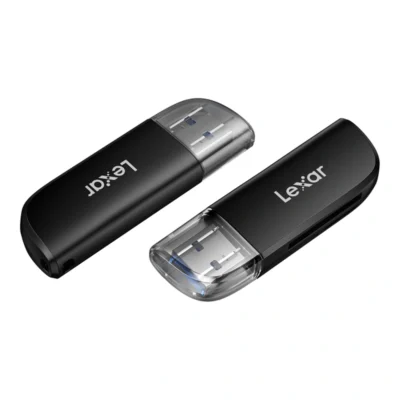
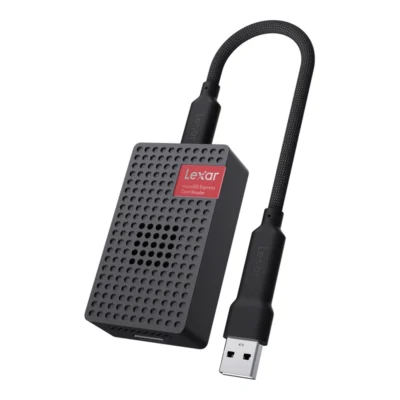
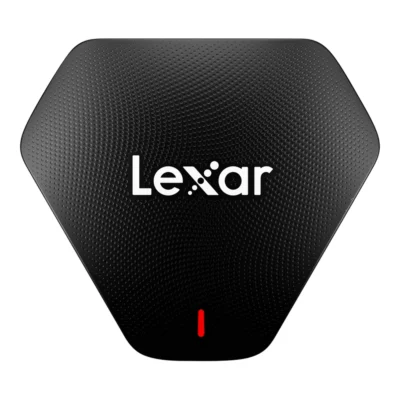
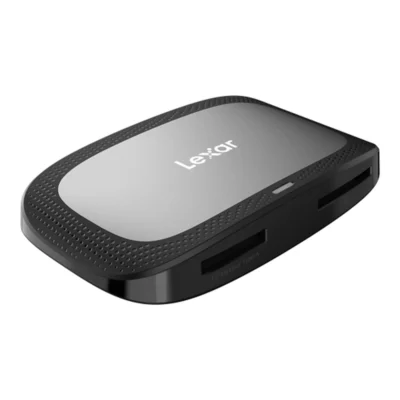
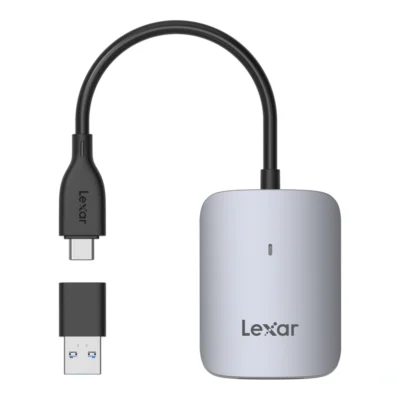
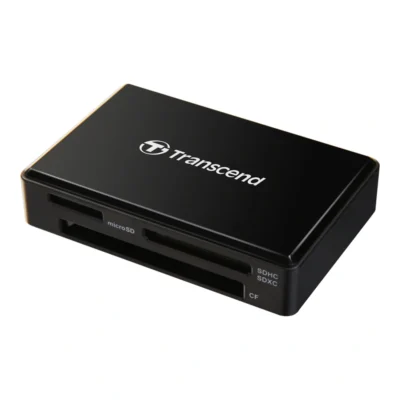
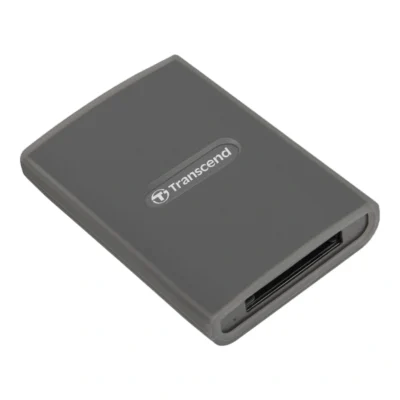
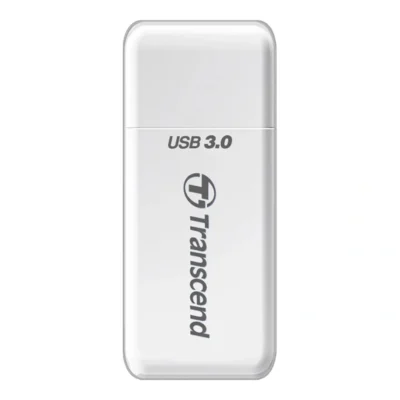
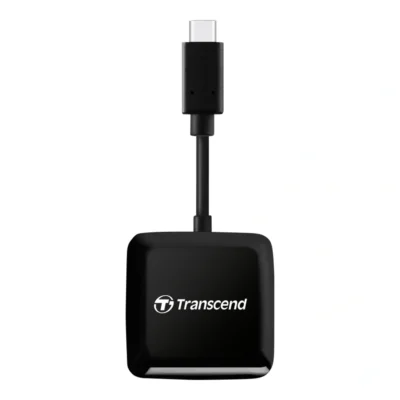
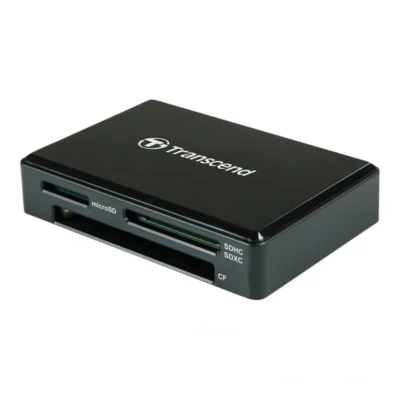
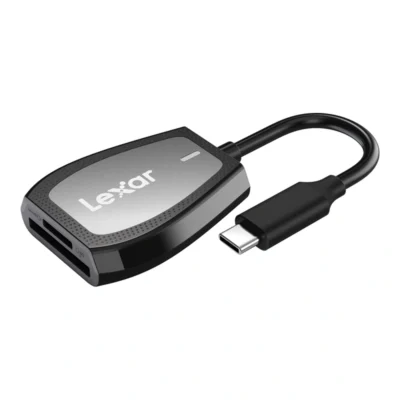

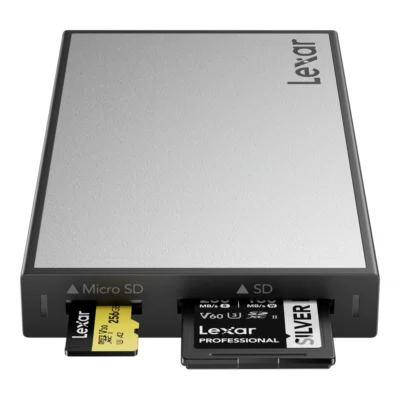
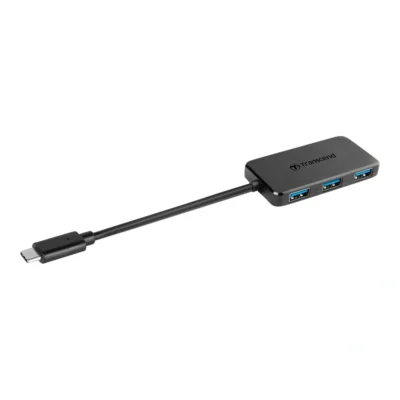
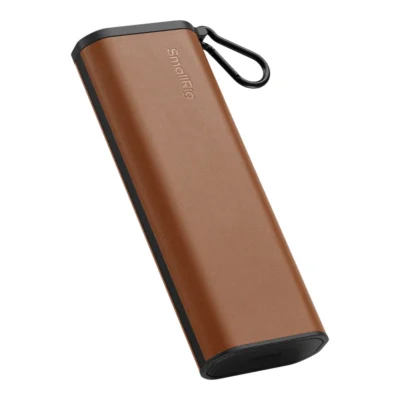
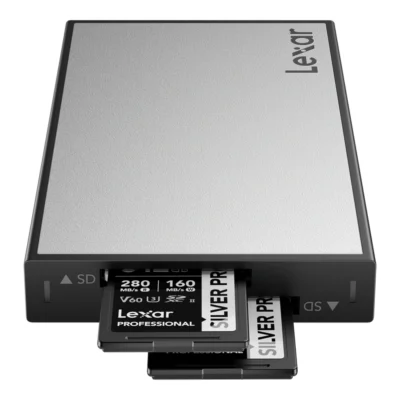
The reader has to take your cards
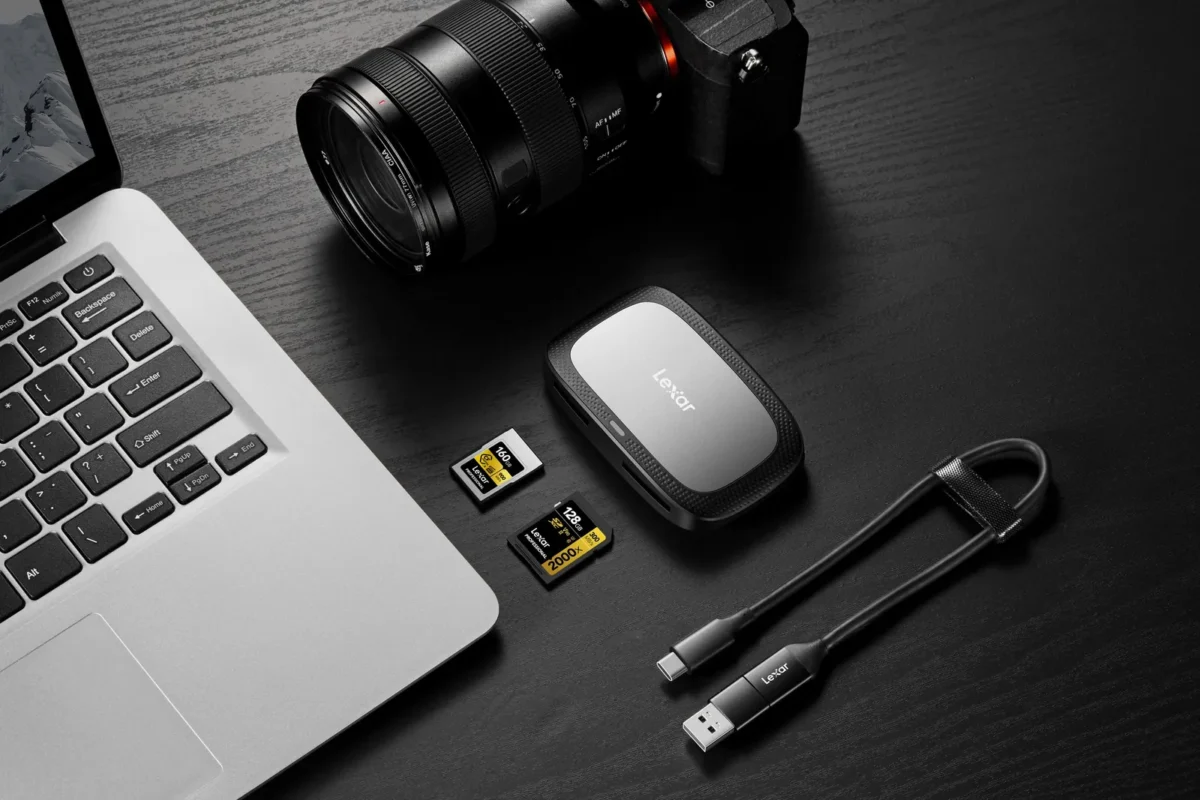
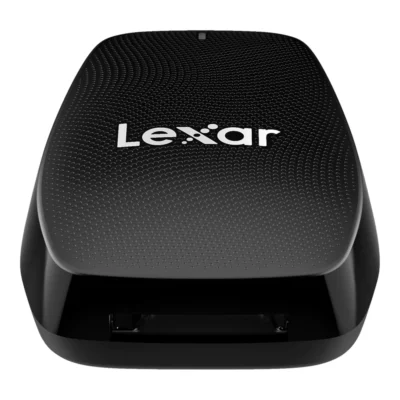
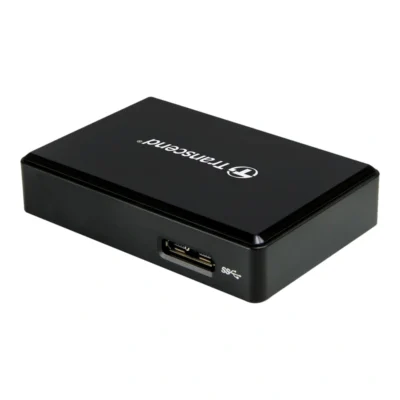
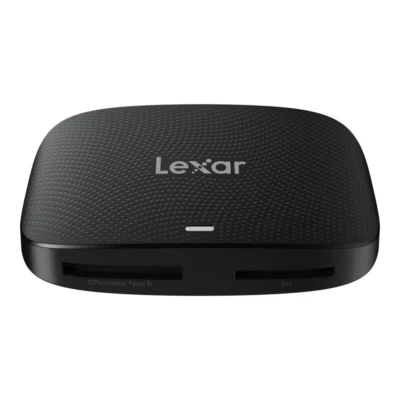
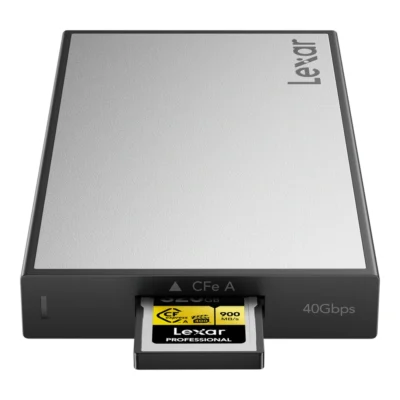
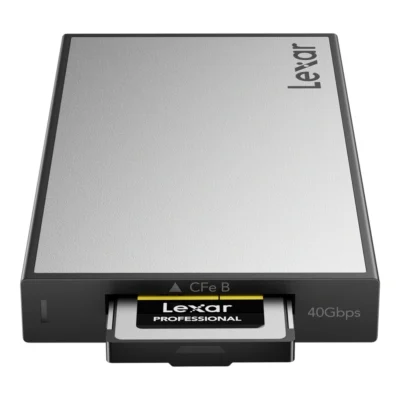
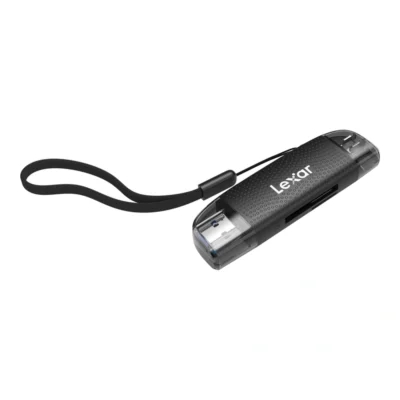
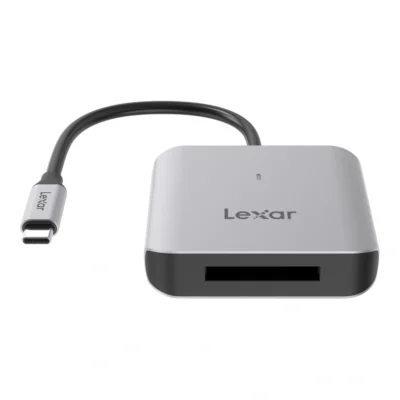
The most common readers take SD and microSD. CFexpress needs its own reader for Type A or Type B, and some readers combine a CFexpress slot with an SD slot. If you have an older DSLR with CF cards, there are readers with CF, SD and microSD slots in one unit.
Speed comes next. A UHS-II card only reaches full speed in a UHS-II reader, since the reader needs the extra row of contacts. A UHS-I reader reads the card, just more slowly. Our fastest SD readers reach up to 312 MB/s, while simpler USB-A SD readers top out at about 100 MB/s. With 64 GB of pictures that is the difference between a few minutes and just over ten.
For microSD Express there is a reader that reaches 900 MB/s with Express cards and reads ordinary microSD cards as usual.
The USB port sets the speed
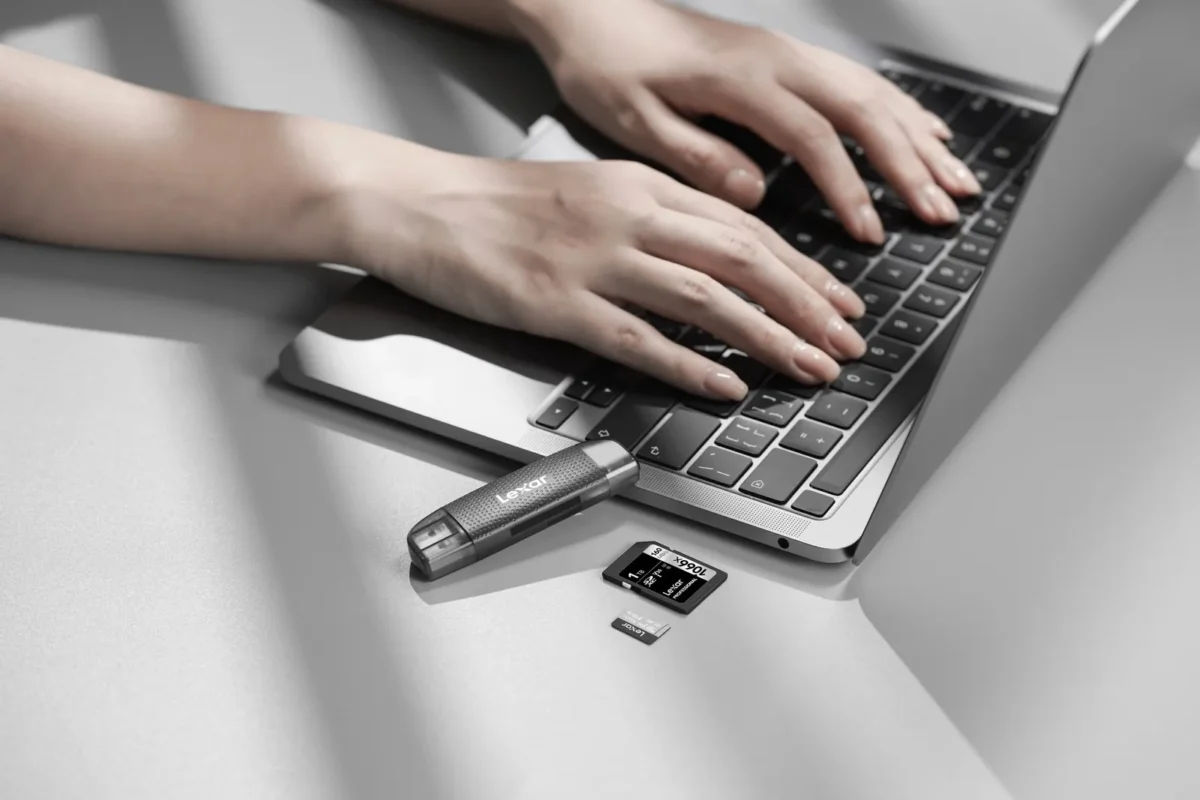
A reader can never be faster than the port it is plugged into. USB naming is a mess, but this is how it fits together:
| Name | Speed | Enough for |
|---|---|---|
| USB 3.0, USB 3.1 Gen 1, USB 3.2 Gen 1 | 5 Gbps | SD cards, including UHS-II |
| USB 3.1 Gen 2, USB 3.2 Gen 2 | 10 Gbps | CFexpress Type A |
| USB 3.2 Gen 2x2 | 20 Gbps | CFexpress Type B |
| USB4 | 40 Gbps | CFexpress 4.0 Type B and docks with several readers |
Gen 2x2 is a common trap. Many computers, Macs among them, lack support for that particular standard, and such a reader then runs at 10 Gbps. It works, but you pay for speed you do not get. Check what your computer has before picking the most expensive reader.
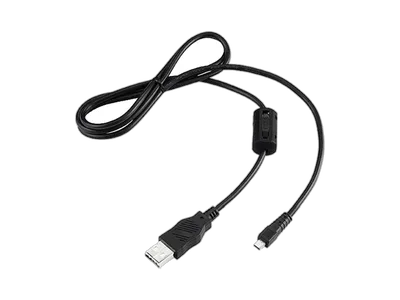
Use the cable that comes with the reader. An old USB-C cable from a phone may be built for charging and only carry slow data.
One reader for several cards
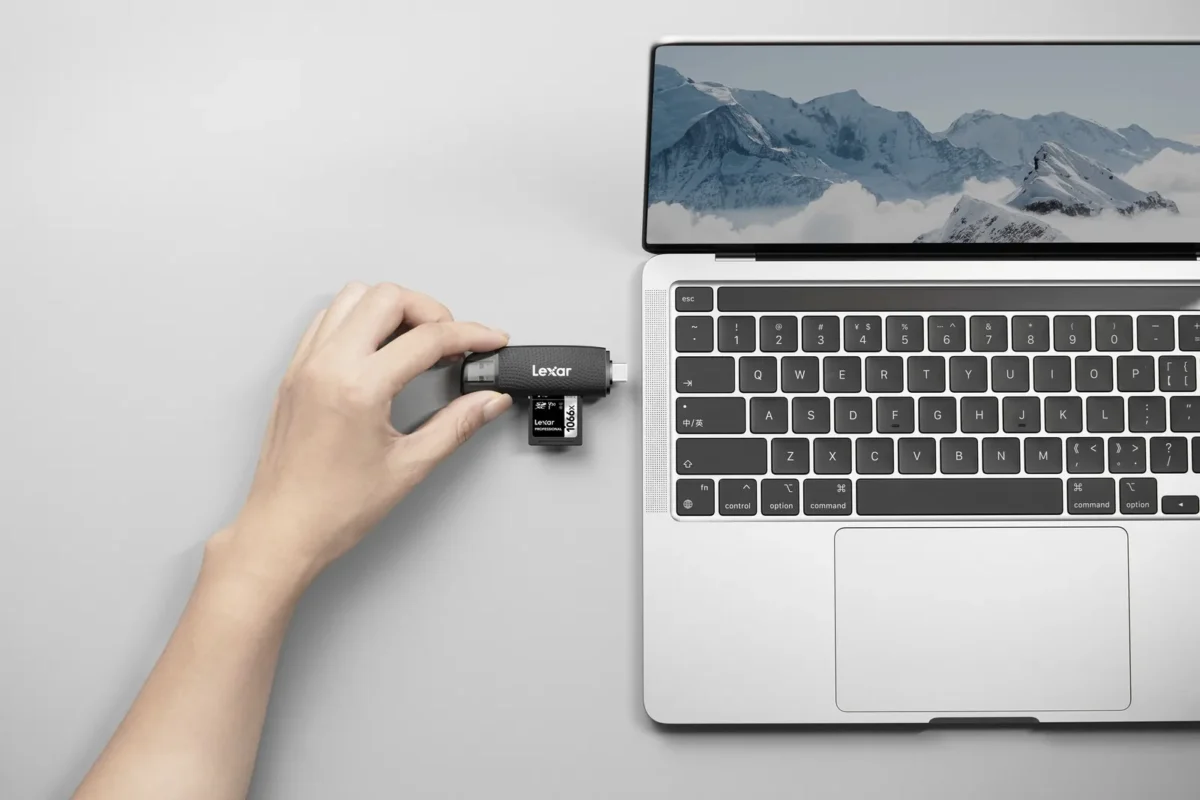
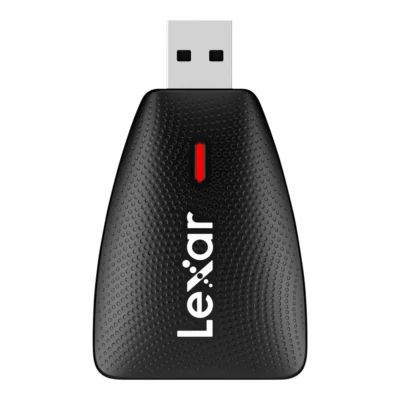
If you shoot with a camera and a drone, the reader needs to take both SD and microSD. Dual-slot readers are cheap and easy to carry, and some have both USB-A and USB-C, so they suit an older desktop and a new laptop alike.
Multi-readers with SD, microSD and CF slots are useful if your drawer holds cards from several generations of cameras. They are seldom the fastest, but they do the job when it comes to getting pictures off an old CF card.
Many laptops have a built-in SD slot. It is fine for viewing pictures, but the slot is often the simpler UHS-I kind and noticeably slower than an external UHS-II reader.
A USB-C reader also works with most phones and tablets that have USB-C. That lets you move pictures from the card to your phone while travelling, edit them there and share without opening the computer.
If the computer has too few ports, there are hubs that turn one USB-C port into four USB-A. A hub shares the bandwidth between its ports, though, so plug the card reader straight into the computer where you can.
Readers and docks for travel and fieldwork
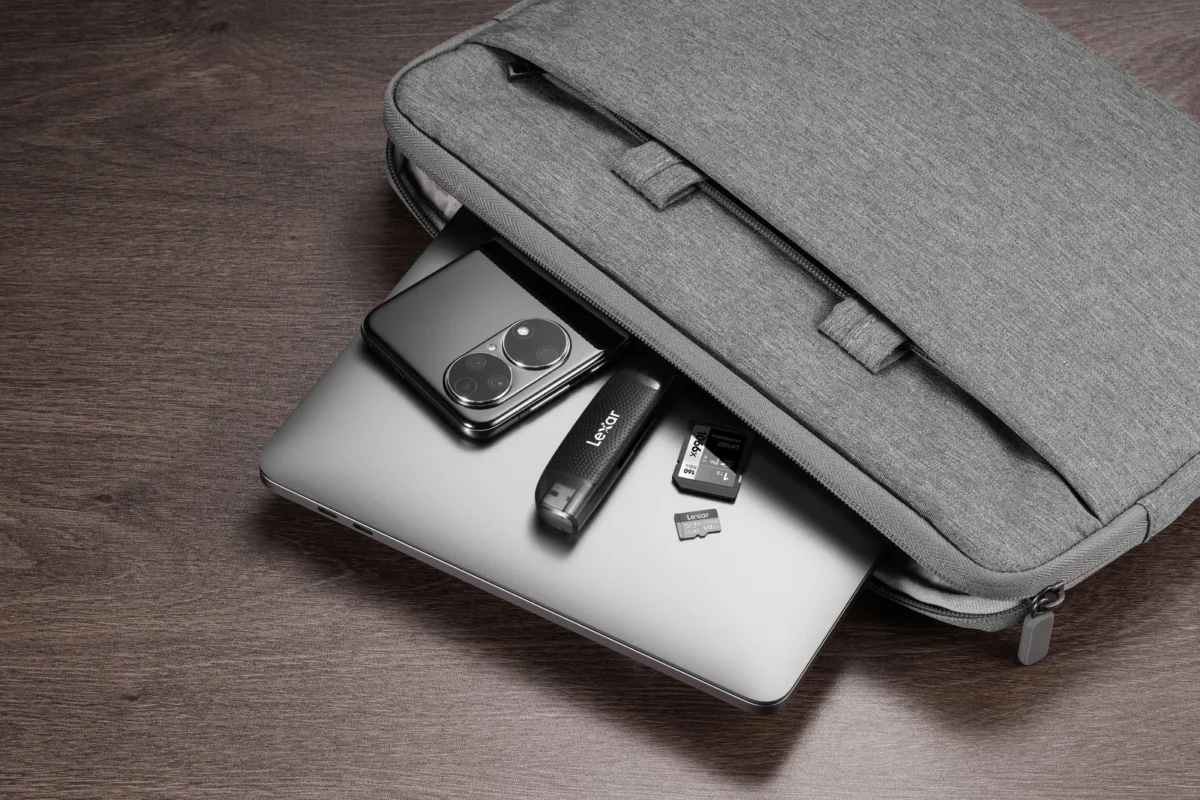
When travelling you want to carry as little as possible. SmallRig makes a reader that doubles as a card case, with room for nine cards in silicone slots. There are also small multi-slot readers that fit a pocket of the laptop sleeve.
For anyone emptying lots of cards every day there are docks. SmallRig's CFexpress dock has several ports and is designed to shed heat. Lexar's Workflow system is made of reader modules that go into a hub, so several cards can be offloaded at once. Readers and an SSD can also be combined there, which we cover under external drives and SSDs.
Offloading cards safely
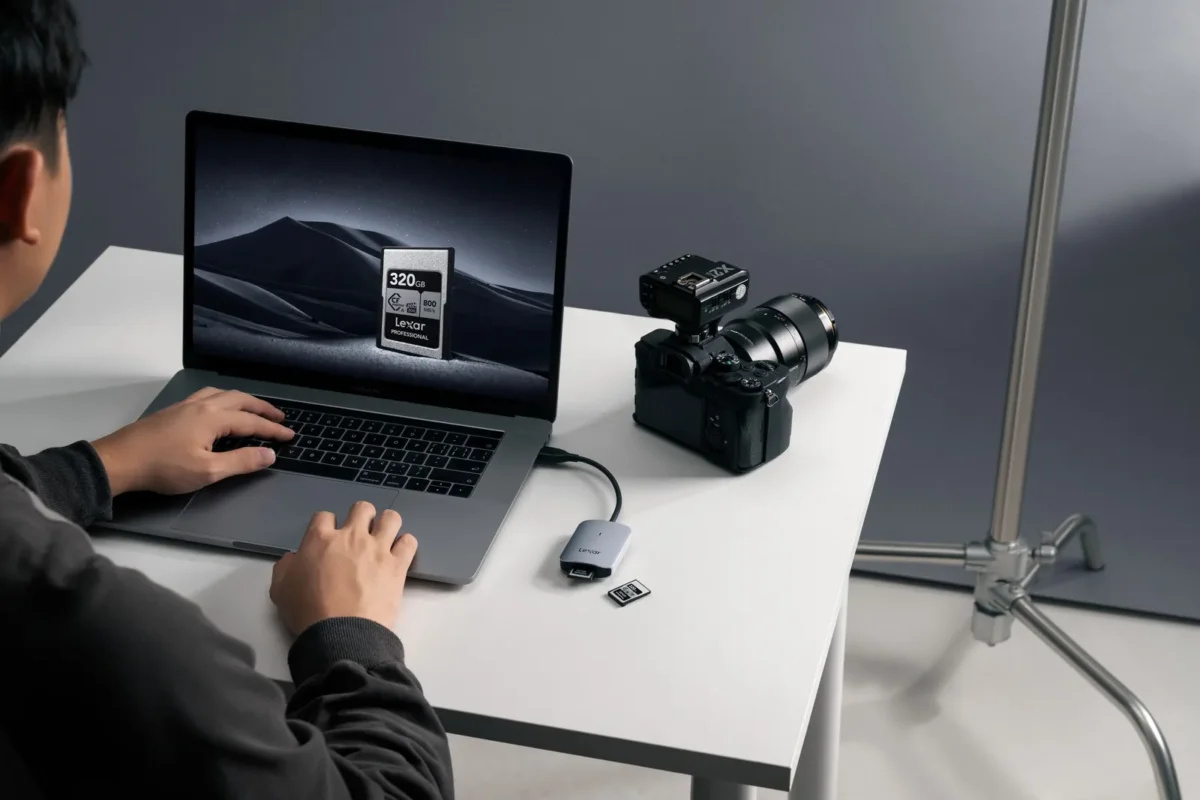
Copy the pictures, do not move them. Leave the files on the card until they exist in at least two places, then format the card in the camera. Dragging files straight from the card and binning them on the computer is a common way to lose a whole day's shooting if the copy is interrupted.
Fast CFexpress readers get warm while working. That is normal, but leave them in the open, not under a cushion or inside a bag, while they copy. Always eject the card on the computer before unplugging the reader.
Frequently asked questions about card readers
Do I need a UHS-II card reader?
If you use UHS-II cards, yes. The card only reaches full speed in a reader with UHS-II contacts. With ordinary UHS-I cards a UHS-II reader makes no difference.
Which card reader do I need for CFexpress?
One for your type, A or B, since the cards differ in size. For Type B cards a USB 3.2 Gen 2x2 or USB4 reader gives full speed, but only if the computer has a matching port.
Why is my card reader slow?
Common causes are a slow USB port or a hub, a cable made only for charging, or a reader that does not support the card's bus. Also check that the computer supports the reader's USB standard, such as Gen 2x2.
Can one card reader read both SD and microSD?
Yes, most dual-slot readers take both SD and microSD. There are also multi-readers that take CF cards as well.
Is a card reader better than connecting the camera?
Usually, yes. A reader is faster, saves the camera battery and spares the camera's USB port. The camera can also be charged or used in the meantime.